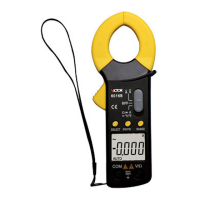
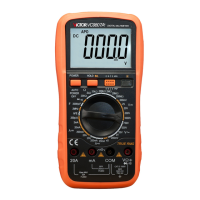
6000counts Pocket Clamp Multimeter
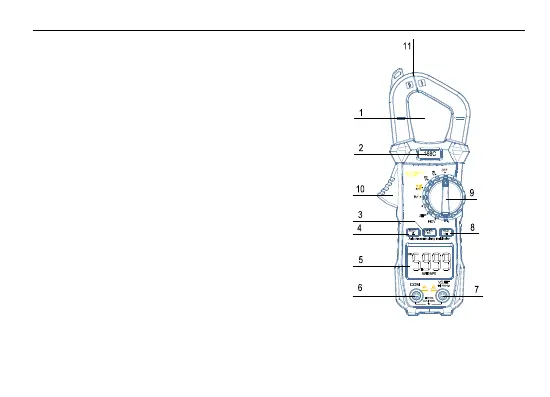
4. Operation panel instructions
1 . The clamp head measures vertically through the center of the hole.
2. Product model label position.
3. RANGE is the manual range conversion button, which is the REL relative
measurement function when testing the capacitance file.
4.Function selection key SELECT, long press for 2 seconds for the backlight
to be turned on and off.
5. LCD display window.
6. COM input; negative input, insert black test pen.
7. Voltage, resistance, diode, capacitor, frequency, square wave output, current
input port.
8.HOLD is the data hold button, long press for 2 seconds for the flashlight to
turn on and off.
9. Function rotation knob.
10. Current measuring wrench.
11. Pliers opening.
5. Automatic switch machine
When the meter is stopped for about 15 minutes, the meter will automatically power off and enter the sleep state; to restart the power supply, turn
the dial to the OFF position and turn the rotary dial to the other position. Press and hold the “SELECT” button and turn on the power switch. The



 To Next Page