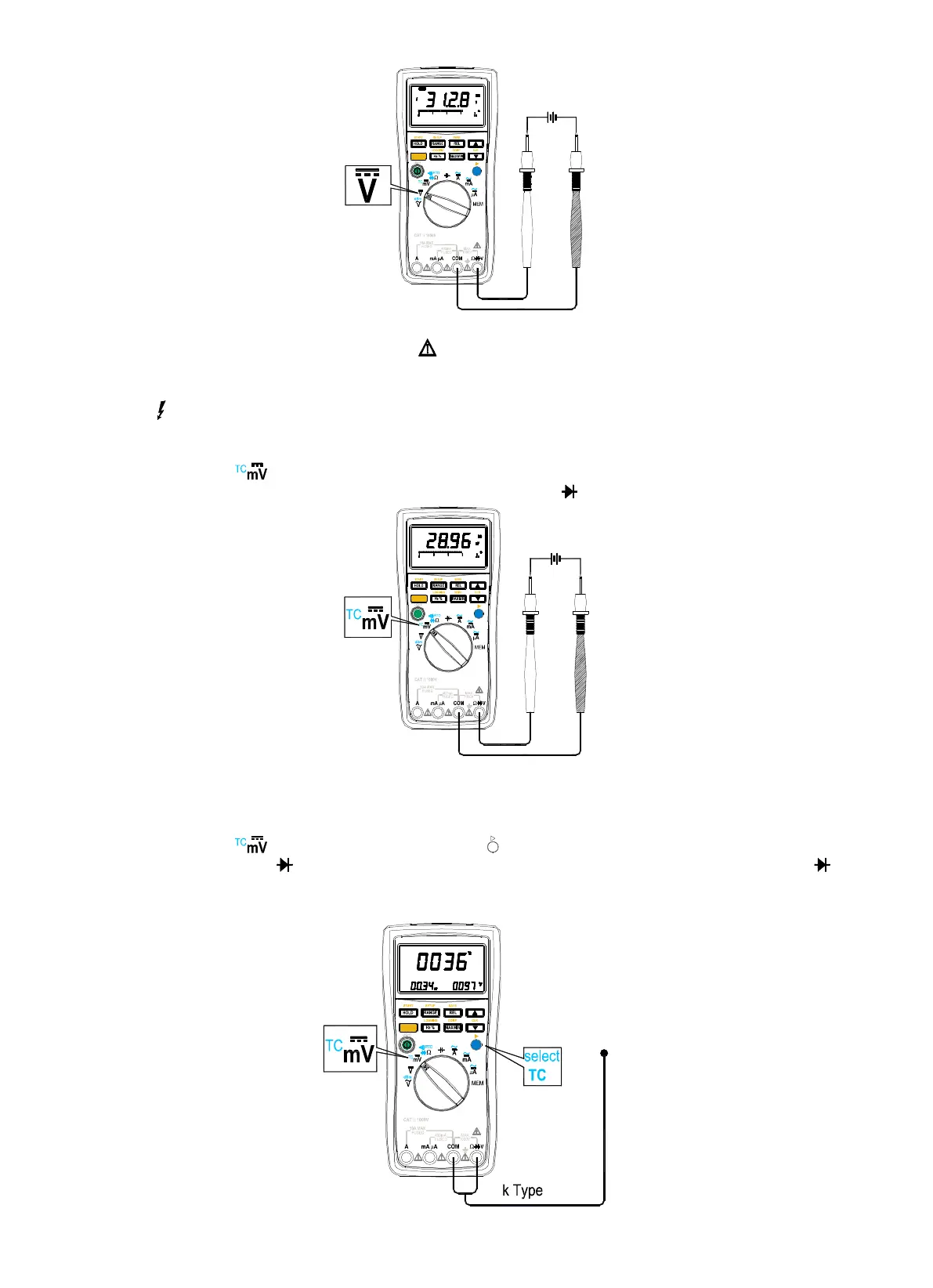
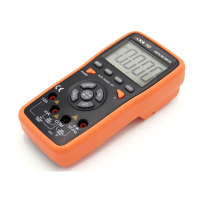
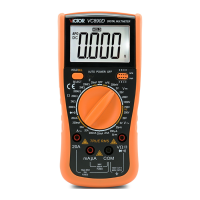
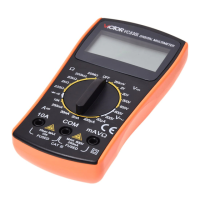
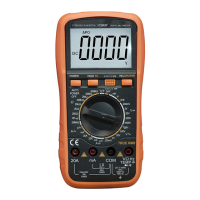
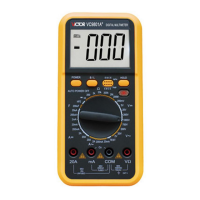
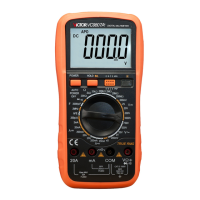
Figure3-3 . DC Voltage Measurement
Warning
Do
Do
Do
Do
not
not
not
not
apply
apply
apply
apply
more
more
more
more
than
than
than
than
DC
DC
DC
DC
1000
1000
1000
1000
V
V
V
V
or
or
or
or
AC
AC
AC
AC
750
750
750
750
rms
rms
rms
rms
voltage;
voltage;
voltage;
voltage;
the
the
the
the
meter
meter
meter
meter
will
will
will
will
possibl
possibl
possibl
possibl
e
e
e
e
be
be
be
be
damaged
damaged
damaged
damaged
though
though
though
though
the
the
the
the
value
value
value
value
could
could
could
could
be
be
be
be
displayed.
displayed.
displayed.
displayed.
Indicator
Indicator
Indicator
Indicator
“
“
“
“
” is on
on
on
on
display
display
display
display
for
for
for
for
safety
safety
safety
safety
note
note
note
note
when
when
when
when
30
30
30
30
V
V
V
V
ac
ac
ac
ac
and/or
and/or
and/or
and/or
dc
dc
dc
dc
voltage
voltage
voltage
voltage
present
present
present
present
at
at
at
at
the
the
the
the
input
input
input
input
terminals
terminals
terminals
terminals
The
The
The
The
meter
meter
meter
meter
beeps
beeps
beeps
beeps
constantly
constantly
constantly
constantly
if
if
if
if
the
the
the
the
input
input
input
input
voltage
voltage
voltage
voltage
is
is
is
is
more
more
more
more
than
than
than
than
AC
AC
AC
AC
750V
750V
750V
750V
rms,
rms,
rms,
rms,
which
which
which
which
is
is
is
is
over
over
over
over
the
the
the
the
meter
meter
meter
meter
’
’
’
’
s
s
s
s
range.
range.
range.
range.
Measuring
Measuring
Measuring
Measuring
DC
DC
DC
DC
mV
mV
mV
mV
Voltage
Voltage
Voltage
Voltage
(
(
(
(
See
See
See
See
Figure
Figure
Figure
Figure
3-4)
3-4)
3-4)
3-4)
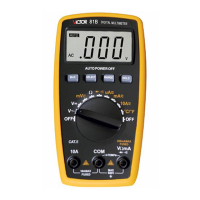
1. Set the rotary switch to position, and “ DC ” “ mV ” will be on display.
2. Insert the black lead into “ COM
COM
COM
COM
” terminal, and the red lead to into the “ Ω
Ω
Ω
Ω
V
V
V
V
” terminal.
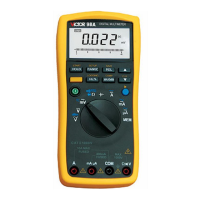
Figure3- 4. DC mV Measurement
3. Connect the leads to the tested power.
4. Read the measuring results from the screen.
Measuring
Measuring
Measuring
Measuring
TC
TC
TC
TC
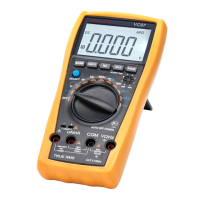
1. Set the rotary switch to position, and press blue button ( ) to select TC measurement.
2. Insert TC into “ COM
COM
COM
COM
” and “ Ω
Ω
Ω
Ω
V
V
V
V
”
”
”
”
terminals, make sure the TC jack with symbol “ + ” is connected into the “ Ω
Ω
Ω
Ω
V
V
V
V
”
terminal.
3 . Read the measuring results from the screen.


 To Next Page