Display
Display
Display
Display
Unit
Unit
Unit
Unit
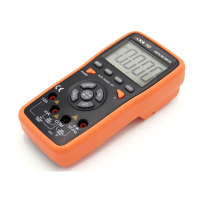
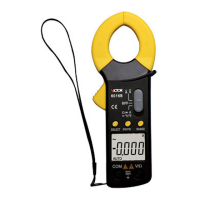
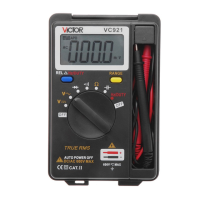
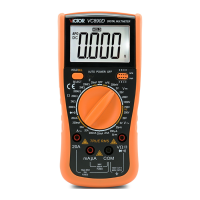
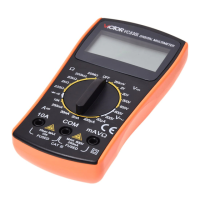
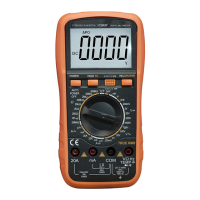
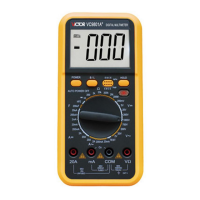
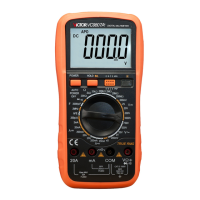
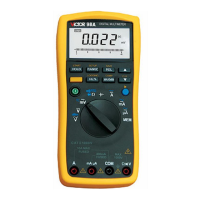
Figure 2-4 and Table 2-3 explains the meaning of the every displaying unit.
Communication
Communication
Communication
Communication
interface
interface
interface
interface
You
could use the USB_DMM and the DMMVIEW_A software to transfer the content stored in the meter and real time
measuring value to a PC.(See Chapter 4 ” U sing Memory & Communications Features ” )
Pushbutton
Pushbutton
Pushbutton
Pushbutton
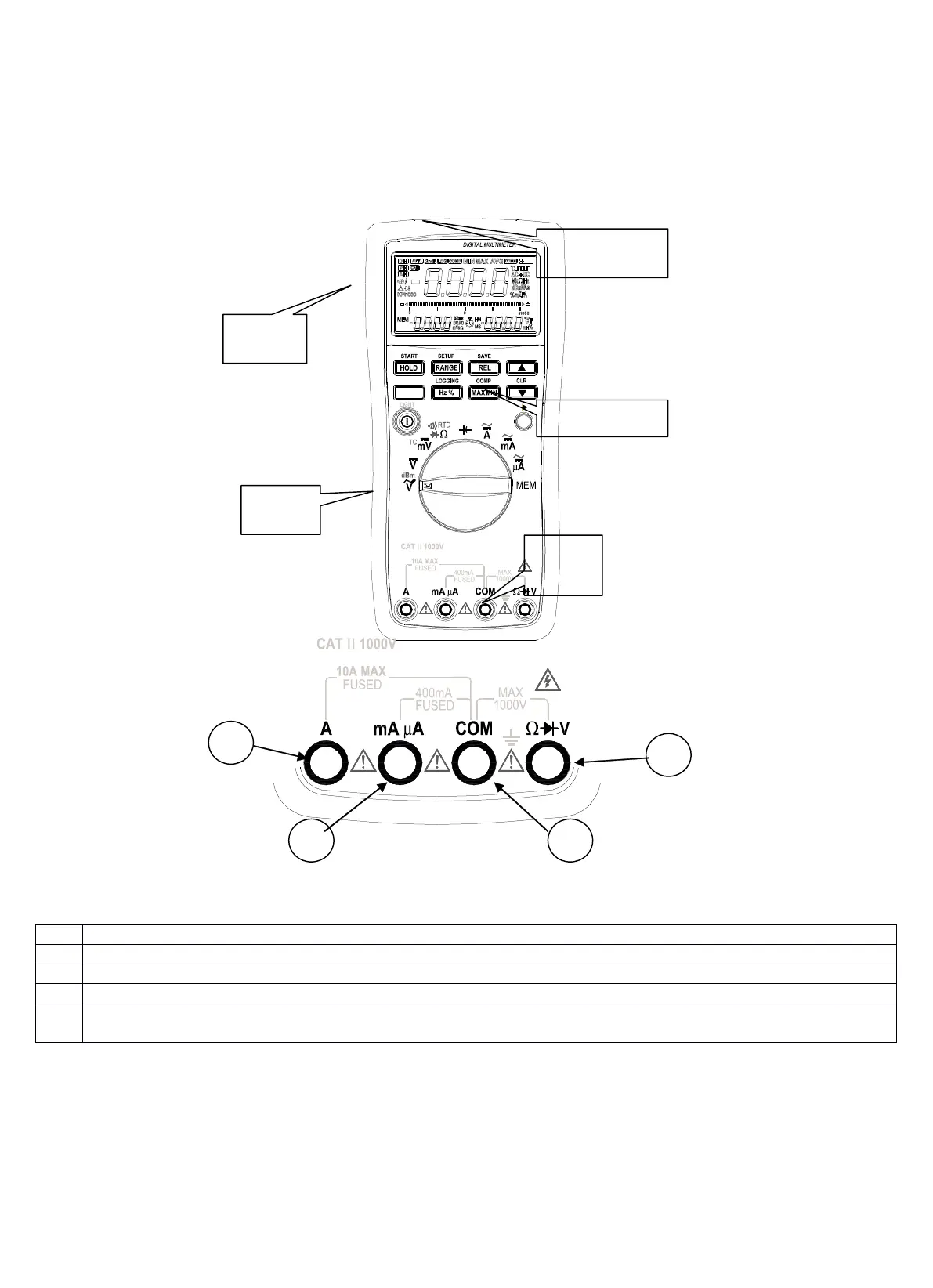
Figure2-5 and Table 2-4 show the pushbutton function.
Figure
Figure
Figure
Figure
2-1.O
2-1.O
2-1.O
2-1.O
uter
uter
uter
uter
Structure
Structure
Structure
Structure
Figure
Figure
Figure
Figure
2-2.Input
2-2.Input
2-2.Input
2-2.Input
Jacks
Jacks
Jacks
Jacks
Table
Table
Table
Table
2-1.Input
2-1.Input
2-1.Input
2-1.Input
Jacks
Jacks
Jacks
Jacks
Measuring Signal ( +): direct and alternating current ( A), frequency.
Measuring Signal ( +): direct and alternating current ( mA, μ A) , frequency
Public ( return) Jacks of all the measurement (-)
Measuring Signal ( +): direct voltage, direct mV voltage, alternating voltage, resistance, diodes, continuity, frequency ,
RTD, TC,CAP


 To Next Page