iCNC XT
Manual 0-5299 INSTALLATION 3-33
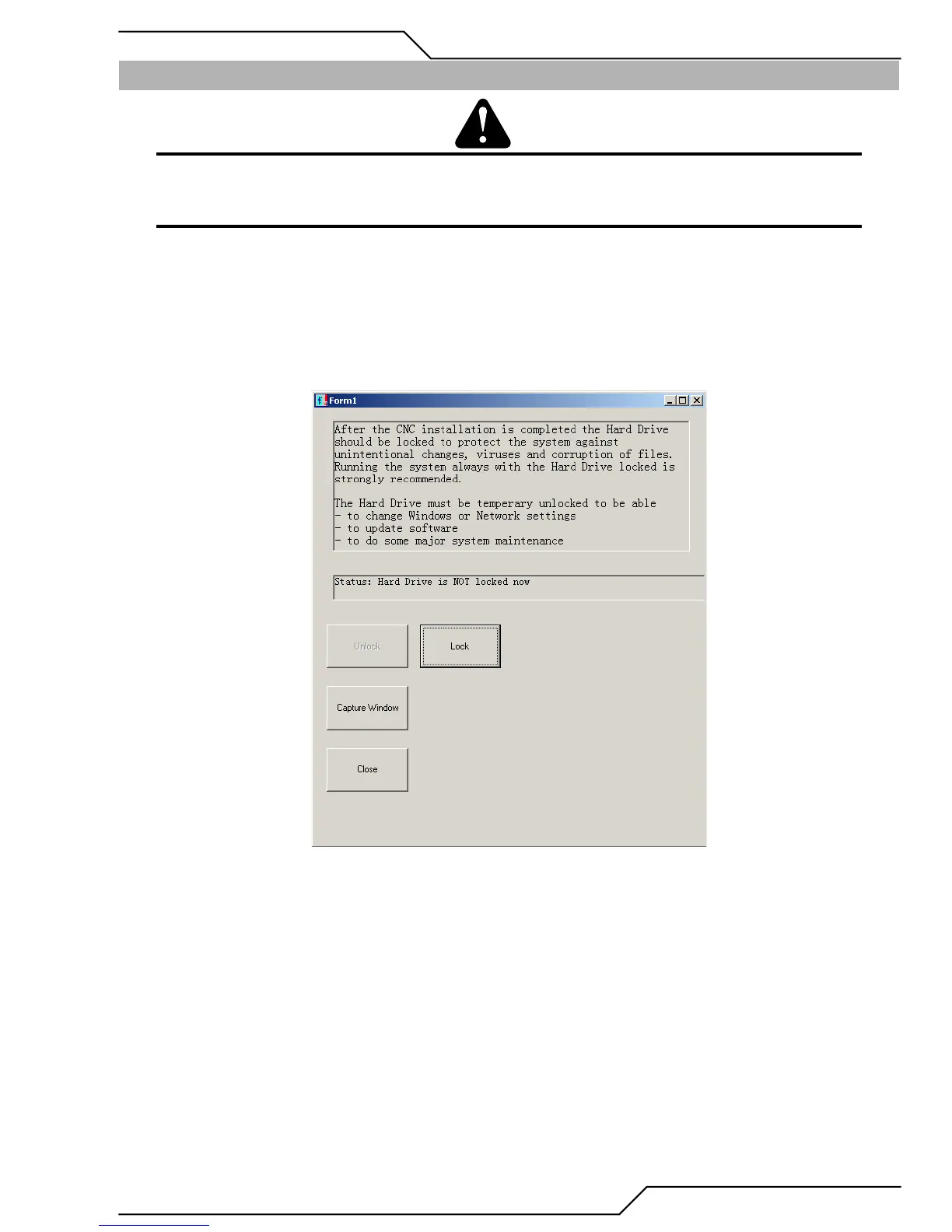
3.25 Locking the Hard Drive
CAUTION
After the CNC installation is completed, the Hard Drive should be locked to protect the system against unintentional changes,
viruses and corruption of files. It is highly recommended to run the system with the Hard Drive locked.
NOTE
The system will reboot during the locking and unlocking of the Hard Drive.
1. Select Option 8. NOTE - the button will indicate the current Hard Drive status.


 To Next Page