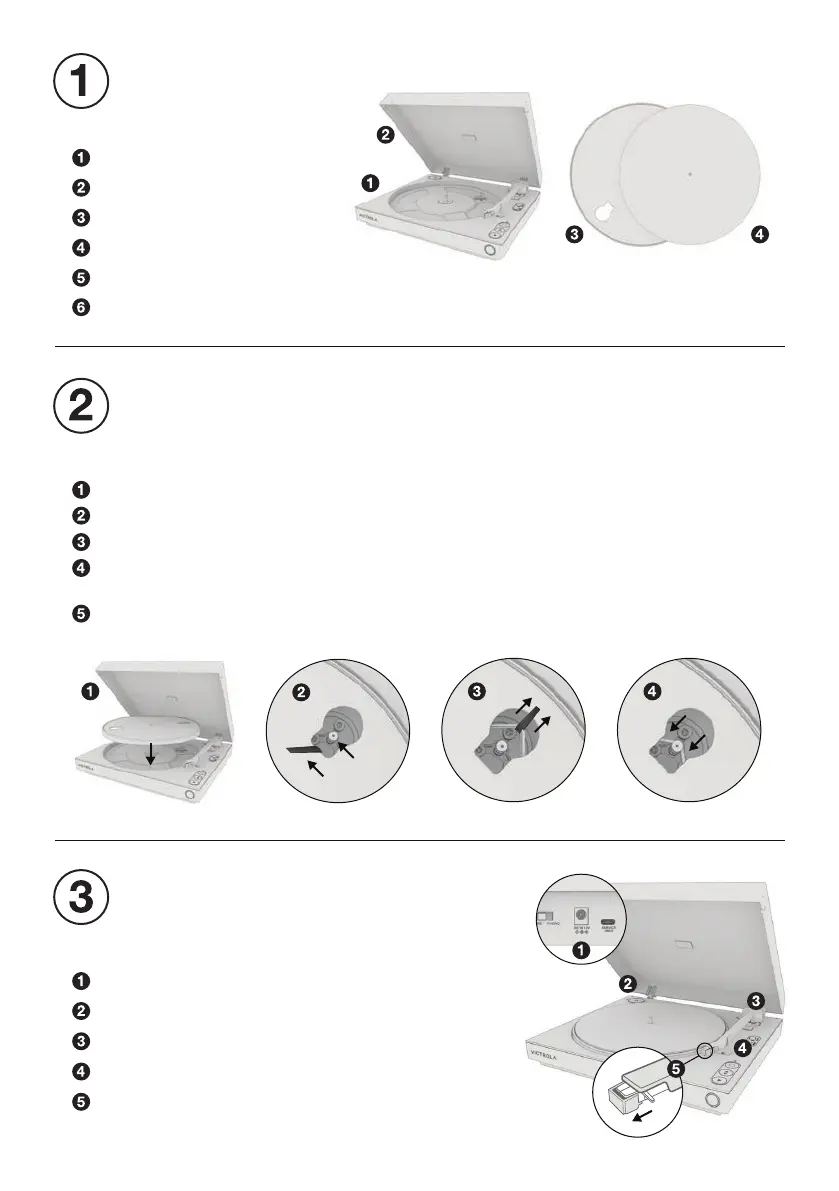
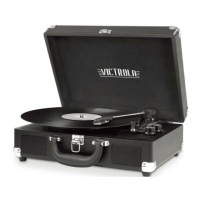
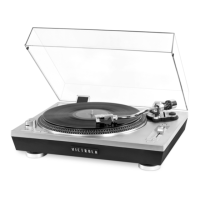
Turntable
Dust cover
Platter with belt
Slipmat
45 RPM adapter
Power adapter / RCA cable
UNPACK
Plug in power adapter.
Place 45 RPM adapter in corner compartment.
Remove foam support from back of tonearm.
Remove tonearm twist tie.
Remove tape and clear stylus cover.
Note: Gently pull stylus cover forward to remove.
PREPARE TURNTABLE
LOCATE THE FOLLOWING ITEMS
Lower the platter on to the turntable.
Rotate the platter until the hole with the white ribbon is directly over the gold motor.
Pull both ends of the ribbon outward until the belt is extended past the motor.
Slowly release the belt until it is secured around the motor, then remove the ribbon.
Note: Ensure the belt is flat against the motor and not twisted.
Place the slipmat on the platter.
INSTALL PLATTER
PLACE TURNTABLE ON A FLAT AND LEVEL SURFACE
COMPLETE ALL STEPS BEFORE USE


 To Next Page