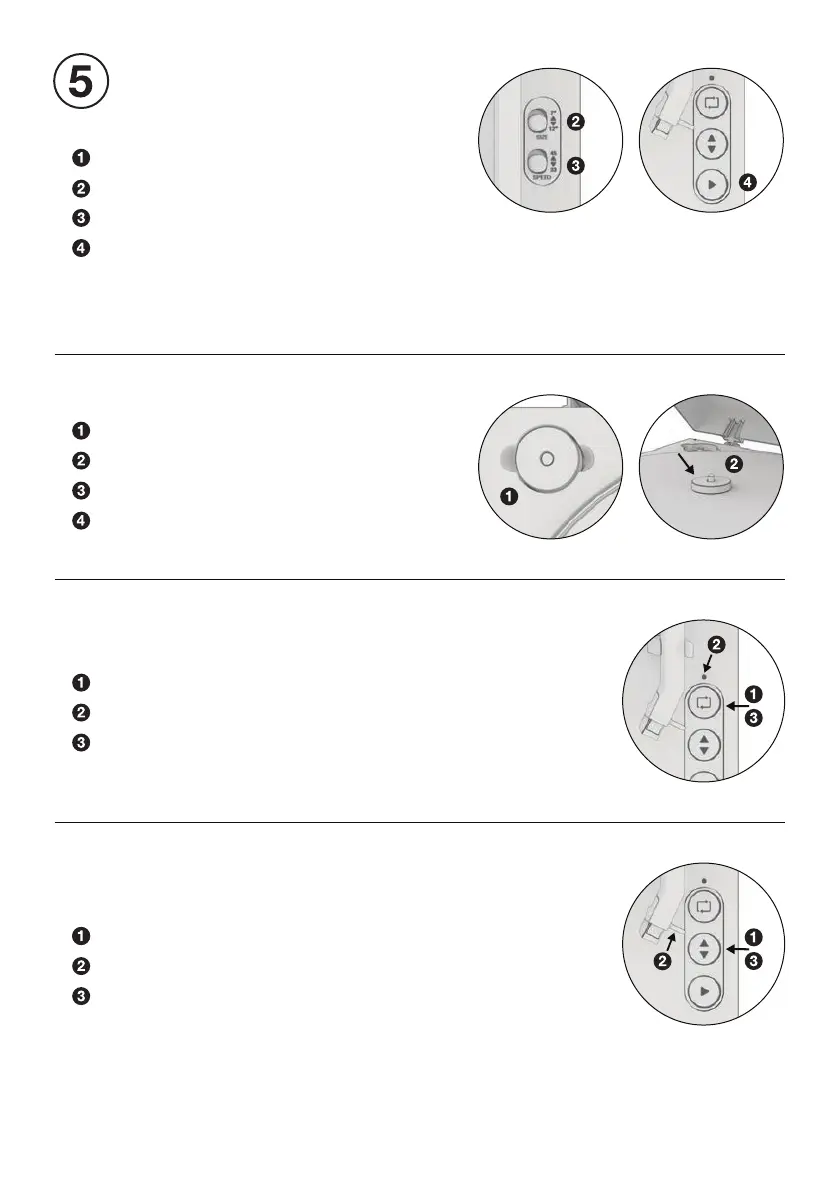
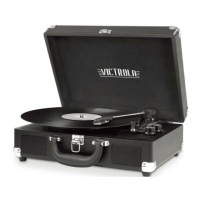
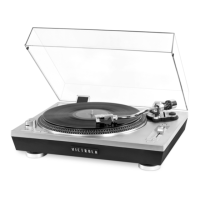
Place record on platter.
Select record size (preset to 12”).
Select record speed (preset to 33 RPM).
Press the PLAY button to automatically begin playing.
The turntable will automatically begin playing. At the end of
the record, the tonearm will auto-return to the resting position.
To manually stop, press the PLAY button again.
PLAYING A RECORD
AUTOMATIC OPERATION
Locate the 45 RPM adapter.
Place the adapter over the center spindle.
Select correct record size and speed.
Place record over adapter, begin playback.
PLAYING A 7” RECORD
Press the UP / DOWN button to raise the tonearm.
Use the nger lift to align the stylus over the record.
Press the UP / DOWN button again to lower tonearm.
MANUAL OPERATION
For manually adjusting playback location.
Press the REPEAT button to activate.
When activated, the repeat LED will turn on.
Press the REPEAT button again to disable.
USING REPEAT MODE
Repeat mode will continuously replay the record until disabled.


 To Next Page