PAGE 30 VIDEONICS TITLEMAKER 2000
Chapter 7 • Pages
Titles are displayed as pages. Each page is played one at a time. A
variety of effects can be used to play the pages.
About Pages
The TitleMaker 2000 will hold over 8000 characters. They can be divided
into pages. The Play Screen shows one page at a time.
Text can be divided into new pages anywhere you like. For instance, you
could have simple subtitles, each on a different page, resulting in 100 pages,
each with just a few characters. Or you might have a few long pages, each
scrolling up the screen.
Long Pages
Text that is typed past the edges of a page is not erased. When you move
the cursor past the edge of the screen, the invisible text scrolls into view.
If you play a page that has text past the edge of the screen, the extra text
will not be displayed. You can edit the page to show the extra text: Break the
line into smaller pieces; use a smaller font, size, or style; or use a scroll or
crawl effect.
• There is no fixed limit on the number of pages or on the number of
characters that can be typed on a page.
• A line can contain up to 1000 characters. If you type beyond the 1000
character limit, the memory warning symbol appears.
• Scrolling pages are limited to 40-60 lines, depending on the number of
characters in the line. The memory warning symbol appears if you attempt
to play a page that scrolls too many lines.
Creating a Page
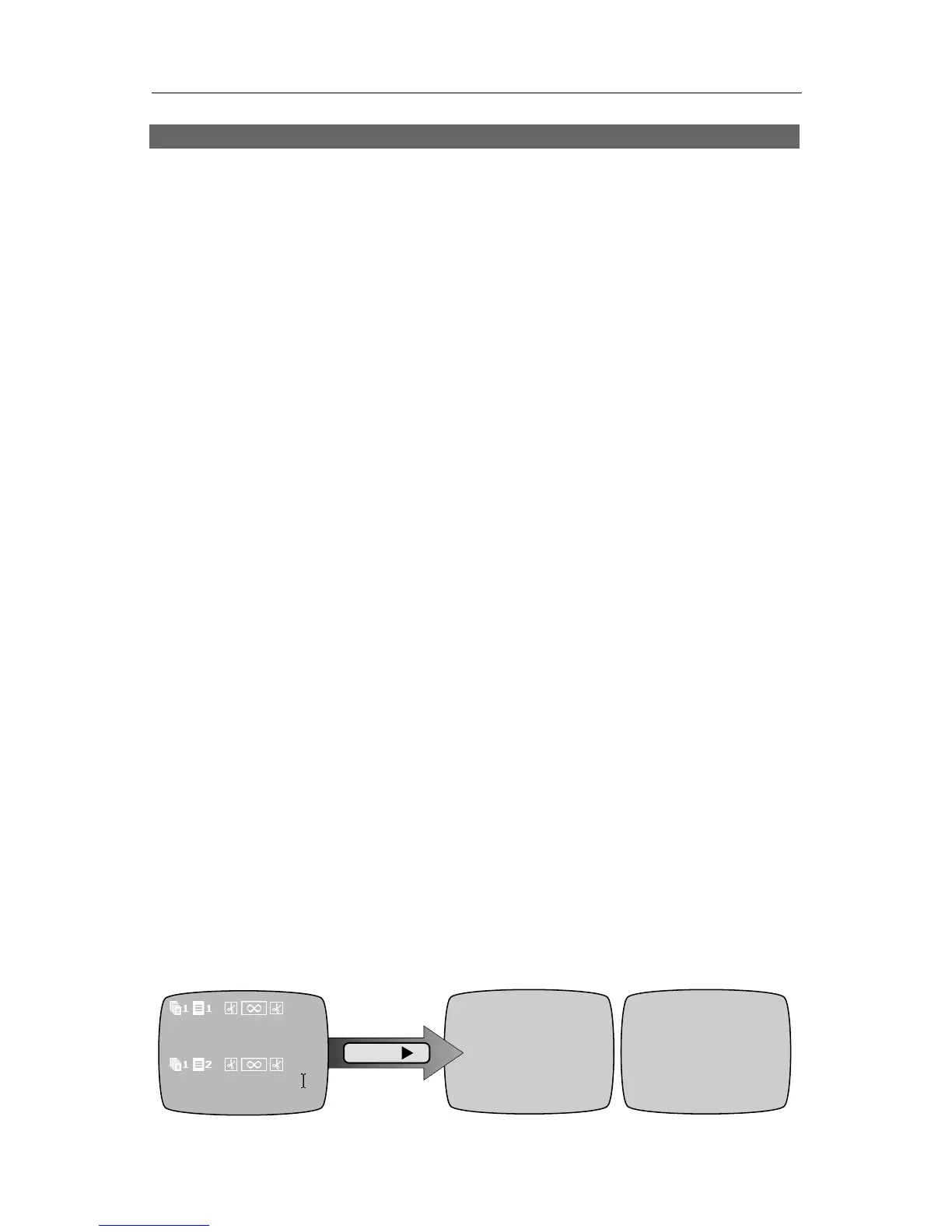
Use NEW PAGE to start a new screen. For example, type “Sherlock
Holmes,” then press NEW PAGE, then type “221B Baker Street.” You will see
something like this:
Sherlock
Holmes
221B Baker Street
PLAY
Sherlock
Holmes
221B Baker Street
“Sherlock Holmes” is on one page and “221B Baker Street” is on the next.



 To Next Page