VIDEONICS TITLEMAKER 2000 PAGE 67
Making Titles Come and Go
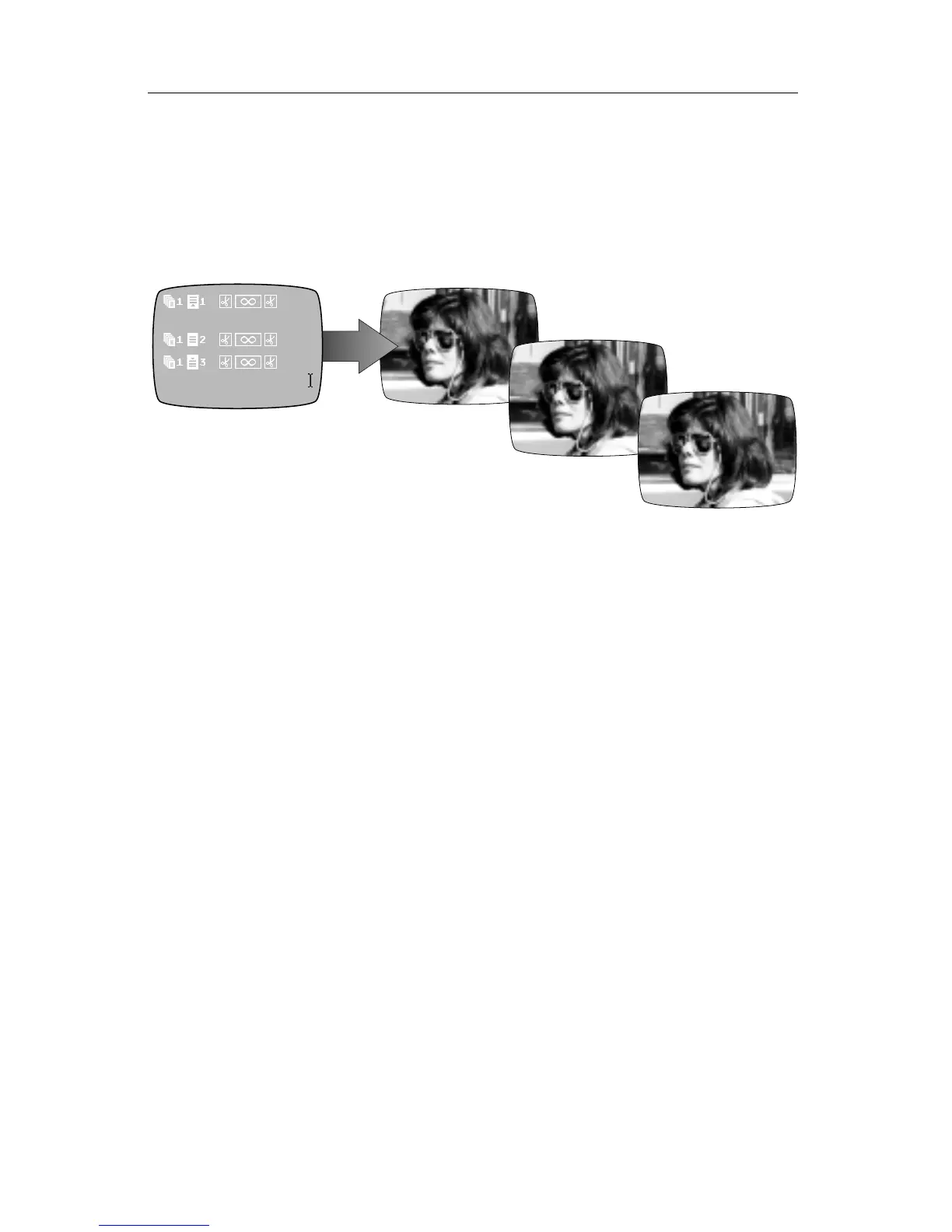
You can make superimposed titles appear for a while, then disappear. You
can make them appear using an effect, such as a fade or slide, then cause
them to disappear using another effect.
To do this, place blank pages with video backgrounds between pages of
titles.
Kathy
TorontoToronto
Kathy
Toronto
• Create a page of superimposed titles.
• At the end of the page, press NEW PAGE but don’t type anything on this
page. Set its background to VIDEO.
• Press NEW PAGE again and type the next titles.
When you play these pages, the first titles appear, then transition to the
blank page. Since this page is empty and the background is plain video, the
result is that the titles simply go away. The next page can then introduce
more titles.
You can change the duration of each page to control when it appears and
disappears or you can play the pages manually (Chapter 19) to introduce
them on cue.
Add effects to these pages (fades, wipes, scrolls, and slides) to add interest
to the titles as they come and go.



 To Next Page