Page No. 35-GB 10.3 We reserve the right to make technical changes!
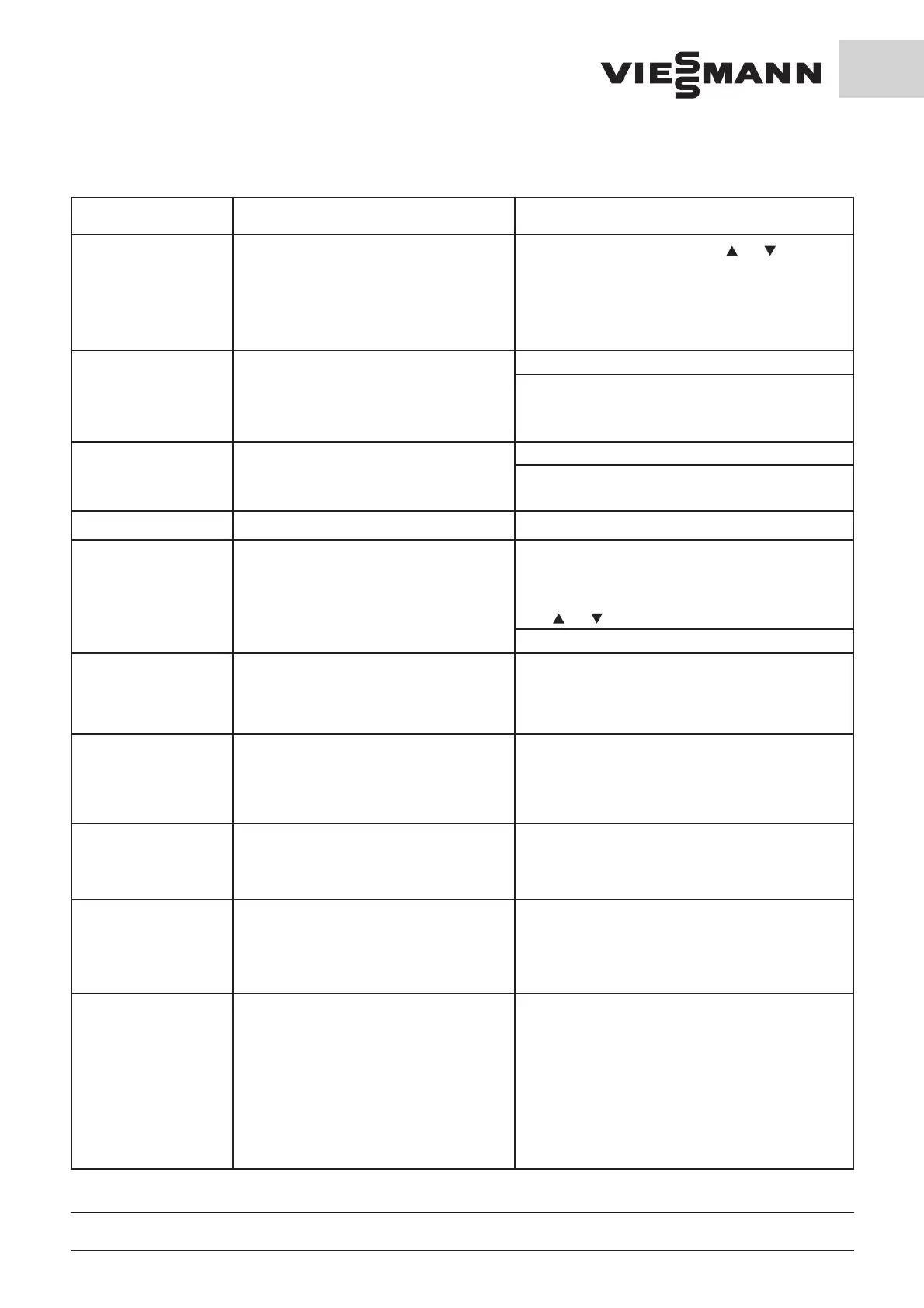
Fault Cause Remedy
Fault report F07 Refrigeration capacity too low
By depressing one of the two keys [
] or [ ], the cold-
room temperature will be indicated again The Fault
report appears if the evaporator temperature does not
reached the temperature set in P41, after the compres-
sor is switched on following the time set into P35. A
renewed Fault report is suppressed for 24 hours
Fault report F08 Evaporator sensor defective
Replace evaporator sensor
The Refrigeration unit continues running
However, the evaporator temperature is no longer
detected.
Defrosting may be impaired because of this
Fault report F09 Condenser sensor defective
Replace condenser sensor.
The Refrigeration unit continues running.
The condenser fan runs at full turning speed
Fault report F10
Emergency operation switch actuated
see 10.2 Emergency operation
Fault report F11 EEPROM fault
Fault at the Control unit.
Your set values may have changed following a power
outage.
The report can be deleted by depressing one of the two
keys [
] or [ ].
Replace Control unit
Evaporator fan does not
start-up following expira-
tion of the set delay (P35).
The plug connector on the evaporator fan unit
is loose or not plugged in.
Plug in or secure the plug connector to the
evaporator fan unit.
Water or ice droplets
are forming on the cold-
room ceiling in the vicinity
of the evaporator fan
outlet
The evaporator fan draws in water droplets
accumulated on the evaporator lamella fins.
Extend the evaporator fan start-up delay (P35)
so that remaining water droplets will freeze on the eva-
porator.
Sheets of ice are
lying on the cell floor
beneath the evaporator
intake opening
The evaporator ices up on the intake-side too
heavily, the ice dislodges during the defrosting
process and falls on the cell floor.
Reduce the defrosting pause time (see Control unit ope-
rating instructions) so that ice formation is reduced.
The Control unit cannot
be operated; when actu-
ating any Control unit
key, the indication “Bo.L”
appears in the display
The keyboard lock is switched on so that the
Control unit is secured against unauthorised
operation.
Switch off the keyboard lock (see 8.2.5 Password and
keyboard lock).
The Control unit cannot
be operated; there is no
temperature indication
in the display and the
decimal point moves back
and forth. When actuating
any Control unit key, the
indication “Bo.L” appears
in the display
The keyboard lock is switched on and the
temperature display is switched off so that the
Control unit is secured against unauthorised
operation.
Release the display and keyboard as appropriate (see
8.2.5 Password and keyboard lock)



 To Next Page