Additional Information
50
Control Unit for Weather-Responsive Operation
with programming unit
(continued)
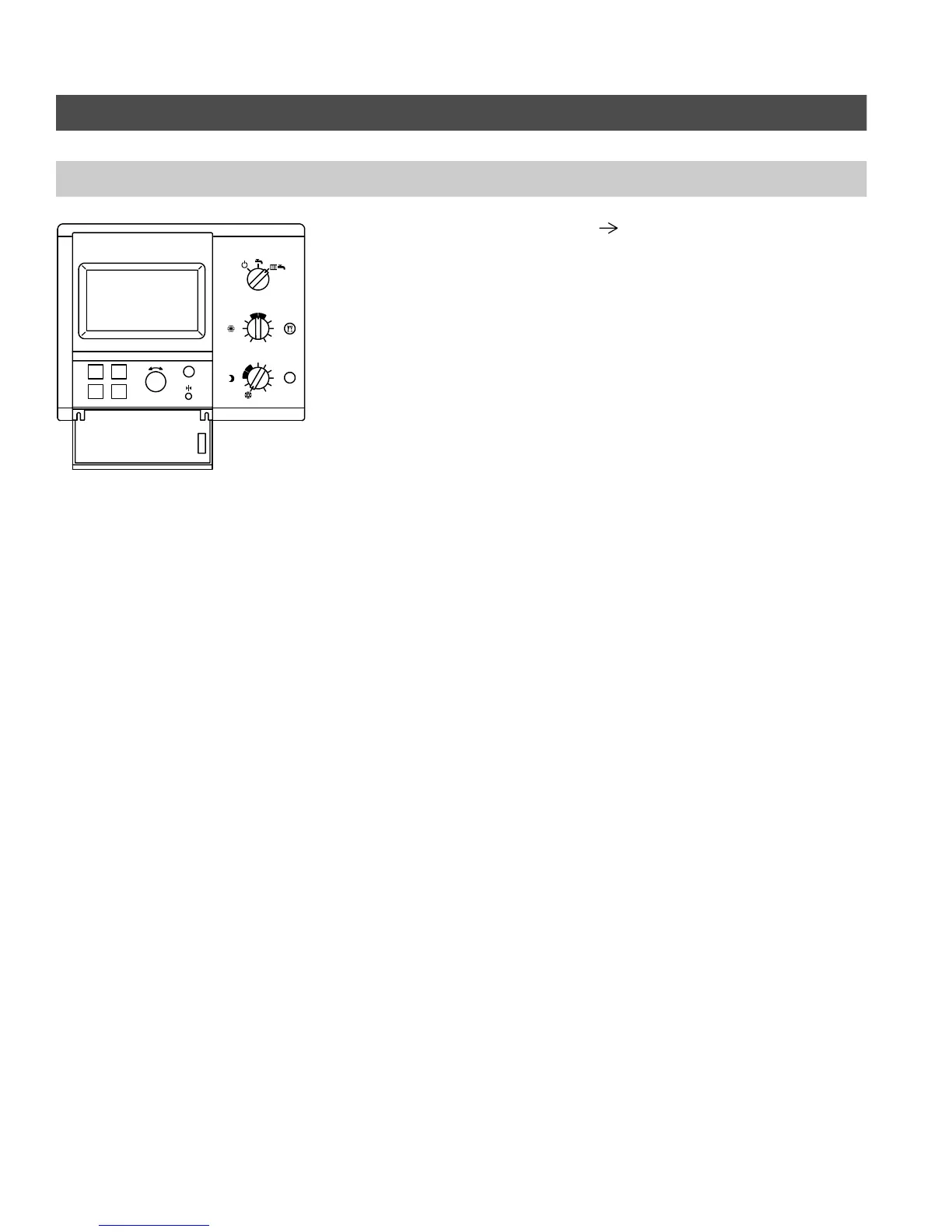
Accessing coding addresses
The coding of the programming unit is
performed by using the ”A”, ”B”, ”C”
and ”D” buttons and the ”G”
selector knob.
Open cover:
Menu option Button
→ SYSTEM ”D”
→ INSTALLER SETUP ”C”
→ CODE PLEASE: ”B-C-C-B”
→ CODING 1 ”B”
or
CODING 2 ”C”
The desired coding address is selected
by pressing button ”A” (CONTINUE) or
”B”(BACK).
The respective coding address is
changed with the ”G” selector knob
(CHANGE). The change is confirmed
with button ”D” (change is stored).
Please note:
All the settings are performed in the
”Installer Setup” menu which
contains ”Coding 1” (main coding
addresses in plain language) and
”Coding 2” (all coding addresses).
Changes made and confirmed in
Coding Level 1 a re automatically
adopted in Coding Level 2 and vice
versa.
5285 961 v1.3
B
A
DC
-
+
i
3
4
5
6
7
8
9
10
2
1
3
4
5
6
7
8
9
10
2
1
0
S





 To Next Page