16
Using Smart Device Mode with Bluetooth Devices
Your Bardot lets you play and control Bluetooth devices. To let this happen the devices have to be paired.
Pairing your Bardot with a Bluetooth device
1. Press the SOURCE button repeatedly to select Smart Device mode.
2. After two seconds the display will show “Waiting BT Connection”.
3. Activate your Bluetooth device and select the search mode.
4. “Bardot” will appear on your Bluetooth device.
5. Select “Bardot” and enter “0000” for the password if necessary.
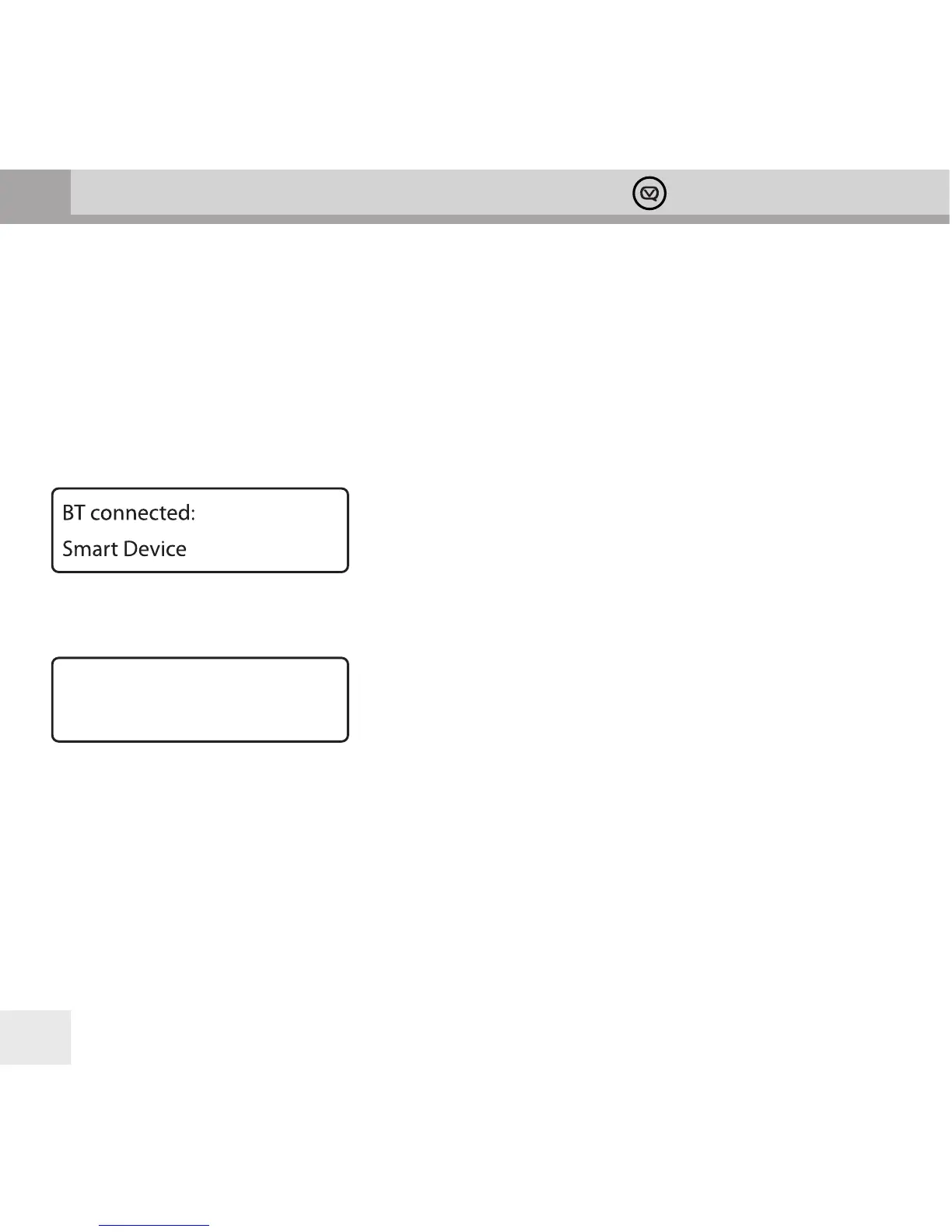
6. “BT Connected” and your device name will show on the display when connection is successful.
Connecting to an already paired Bluetooth device
1. Press the PAIR button. If there are any devices paired with your Bardot, the rst one will show on the display.
2. Turn the –TUNING+ knob to cycle through the list of paired devices, then press the –TUNING+ knob to select
the displayed device.
3. The display will show “Waiting BT Connection”. Select “Bardot” on your Bluetooth device.
4. “BT Connected” and the device name will show on the display when connection is successful.
Controlling your Bluetooth device with your Bardot
Skip back, Play/Pause and Skip forward buttons can control a Bluetooth device connected to your Bardot.
Switch to 1:
Smart Device



 To Next Page