24
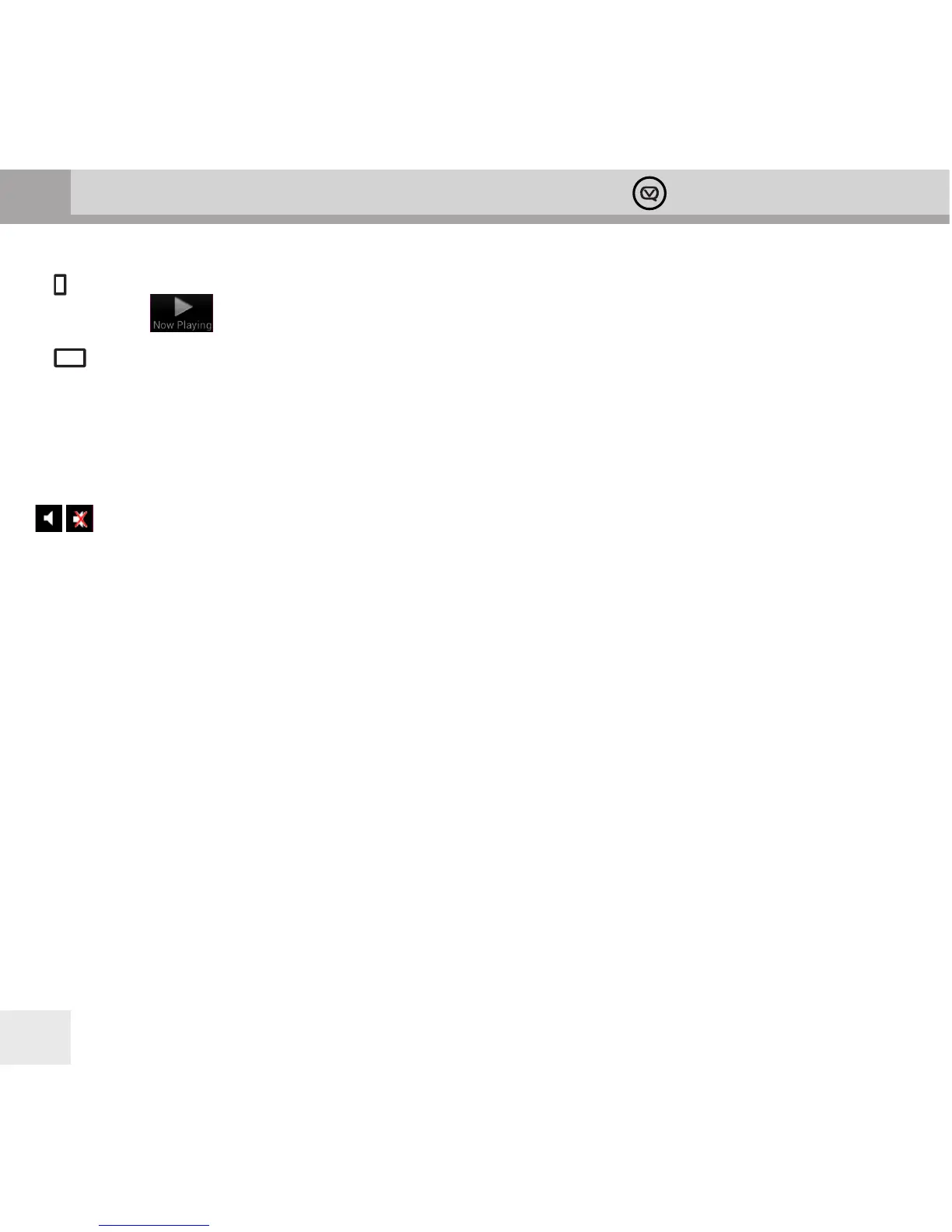
In mode the View Quest App will display the Now Playing panel. You can select it again by tapping the Now
Playing button at the bottom of the display.
In mode all the panels are visible, the Now Playing panel is on the right.
The Now Playing panel in AUX in mode
The Now Playing panel displays a Jack plug symbol and volume control.
Now Playing options for AUX in:
Mute or unmute
Volume Slider Set output volume
[Note] The volume control on the input device, if present, may need to be adjusted in conjunction with the app
volume control for optimal volume and clarity. You control playback from the input device too.
Other Panels in AUX In mode
Apart from Mode to change source, no other panels have any function in AUX In mode.



 To Next Page