20
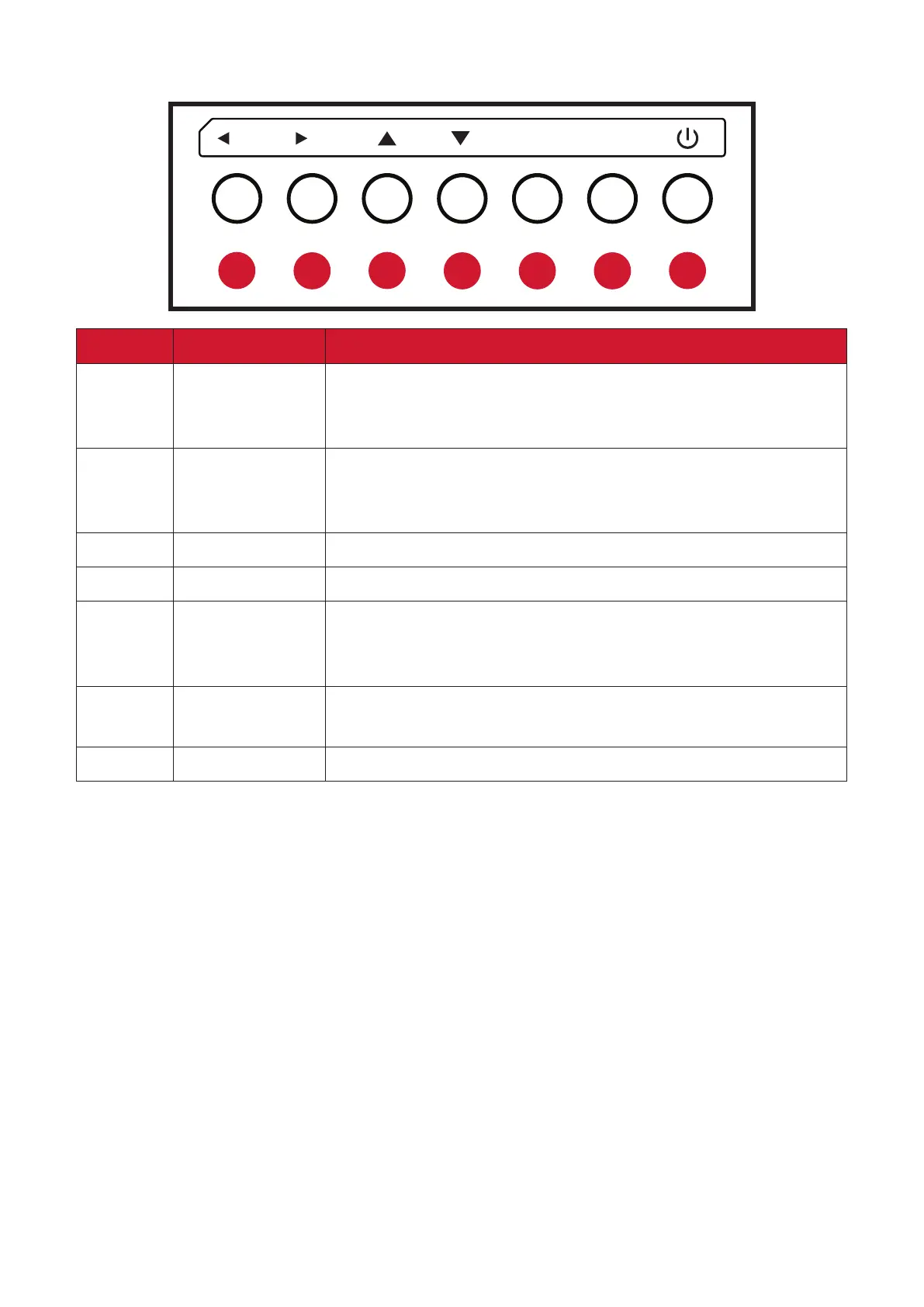
Control Panel
1
2
3
4 5 6
7
/V+/V- INPUT MENU
Number Buon Descripon
1
Le / Volume
Increase
• Increase the volume level.
• In the OSD Menu, press to adjust the value of the selected
item.
2
Right / Volume
Decrease
• Decrease the volume level.
• In the OSD Menu, press to adjust the value of the selected
item.
3 Up
• In the OSD Menu, press to select an item.
4 Down
• In the OSD Menu, press to select an item.
5 Input
• Press the INPUT key to enter the input source menu, and
press the Arrow keys to select the signal source.
• Conrm an operaon under the MENU key operaons.
6 Menu
• Press the MENU key to enter the main menu.
• Conrm the operaon in the input source menu.
7 Power
• Press to turn on/o the display.














 To Next Page