30
c
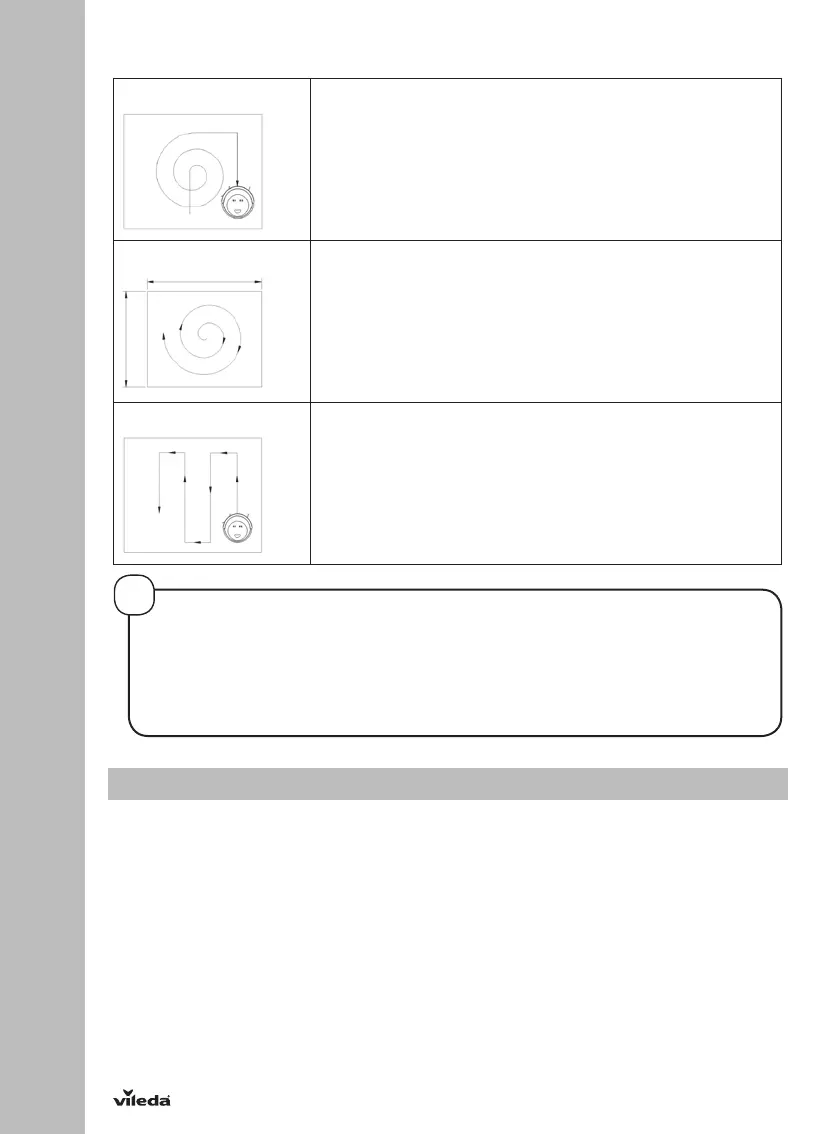
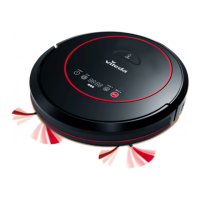
THE ROBOT IS EQUIPPED WITH THREE DIFFERENT MOVEMENT PATTERNS:
Automatic 1. In this mode, the robot will clean the area automatically
and adjust its cleaning behavior based on specific
situations.
Spiral cleaning mode
2. In this mode, robot takes the starting point as the center,
then turn outward in a spiral way, which mode is suitable for
an open area.
Zig-zag mode
3. The robot will automatically go into Zig-Zag cleaning when it
detected an open area or an environment with less
obstacles.
3.4 Scheduling
Schedule the robot to start cleaning automatically at a certain time every day.
NOTE: The robot can only be set when it’s in standby or charging on docking station. If the robot is in sleep mode,
long press “POWER” button on main body or ON/OFF on remote controller to wake it up. If the robot is in cleaning
mode, pause it before scheduling.
SCHEDULING ON THE ROBOT DISPLAY
1. Time Clock Setting
• Press “PLAN” button shortly to enter time setting mode. The LED panel will show the current time. The left
two numbers on LED panel will flash, press “MAX” or “HOME” to increase or decrease hours.
• Press “POWER” button to enter the minute-setting, the left two numbers on LED panel will flash, press
“MAX” or “HOME” to increase or decrease minutes.
• Press “POWER” button to confirm and save the setting.
• Press “PLAN” button to quit the time setting mode.
2. Setting scheduling time (keep the robot in standby or charging on station)
TIP FOR ADAPTING THE CLEANING PATTERN
Press "mode" button on the remote control to select the cleaning pattern:
Mode no. 1111 shows on robot led display: intensive spiral cleaning mode;
Mode no. 2222 shows on robot led display: automatic cleaning mode;
Mode no. 3333 shows on robot led display: fast spiral cleaning mode;
Mode no. 4444 shows on robot led display: zig-zag cleaning mode.
!


 To Next Page