8
S
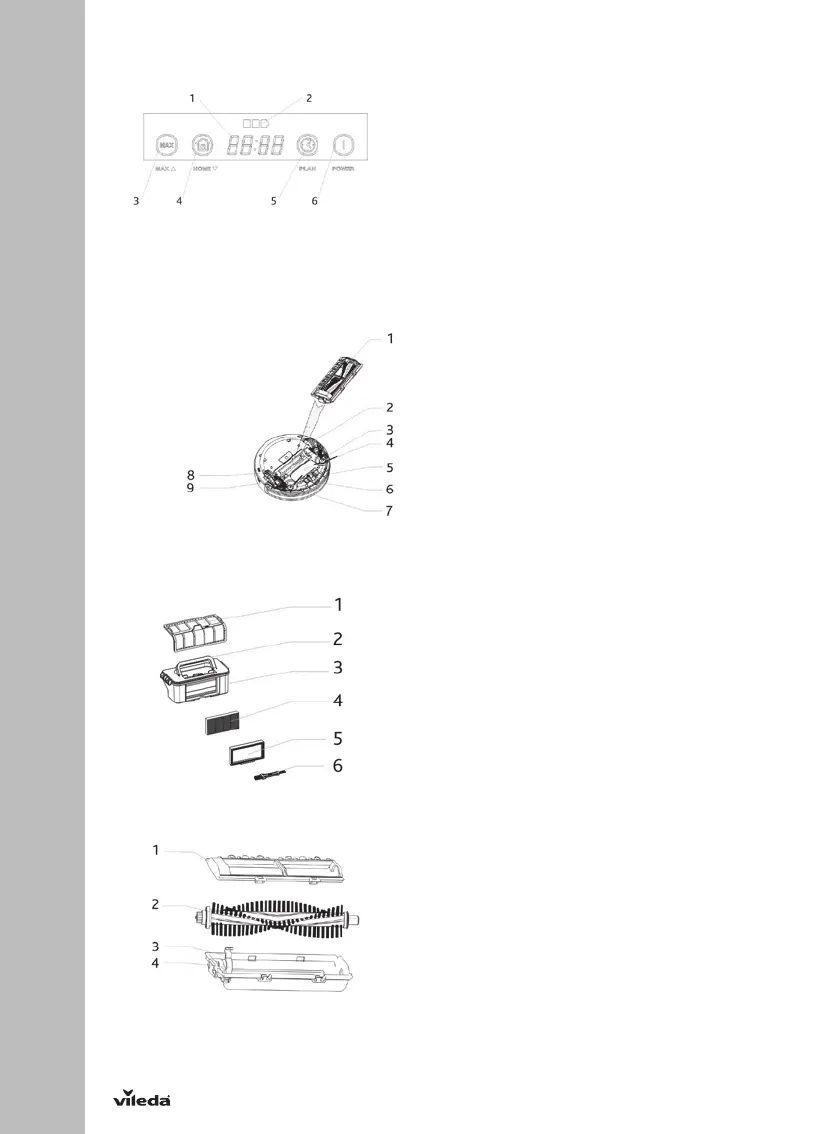
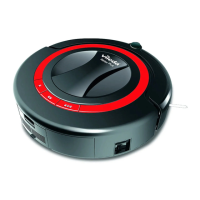
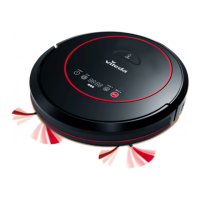
LED DISPLAY 1. LED panel, it shows the time, time setting and
common error codes by using numbers,
letters or graphs. The overview for the
different commands can be found on page XX
2. Battery Indiciation
3. MAX mode button / Increase number when
scheduling cleaning
4. Home button to find docking station and
charge / Decrease number when scheduling
cleaning
5. Scheduling function button
6. Eco cleaning / ON-OFF / Sleep Mode (hold
for 3 seconds)
BOTTOM VIEW
1. Main brush kit
2. Left wheel
3. Left side brush (marked with printed “L” on
sidebrush)
4. Battery Cover
5. Front wheel
6. Charging pole for automated charging
(dockingstation)
7. Right side brush (marked with printed "R" on
sidebrush)
8. Charging port
9. Right wheel
DUST BIN
1. Primary mesh filter
2. Handle
3. Dust Bin
4. Secondary fine dust high efficiency filter filter
5. High efficiency filter frame
6. Maintenance brush
MAIN BRUSH KIT
1. Main brush cover plate
2. Main brush
3. Main brush holder
4. Main brush retainer


 To Next Page