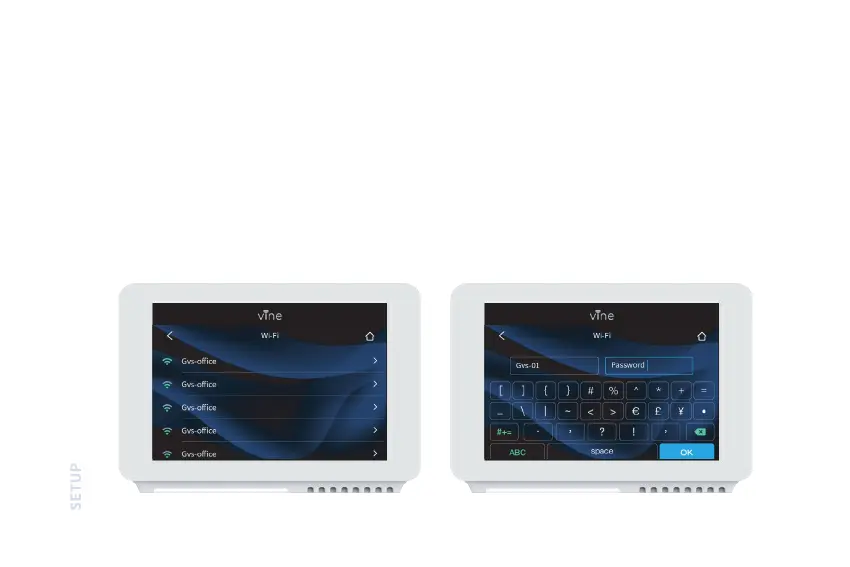
SCAN | Tap the Wi-Fi icon to enter the Wi-Fi setup screen, then tap the Scan icon to list available Wi-Fi networks.
Follow on-screen instructions to complete the Wi-Fi setup.
MANUAL ENTRY | If the network is a hidden one, press SSID button on the scan page to bring up the interface which
allow you to enter your own SSID, follow the on-screen instructions to complete Wi-Fi Setup.
22


 To Next Page