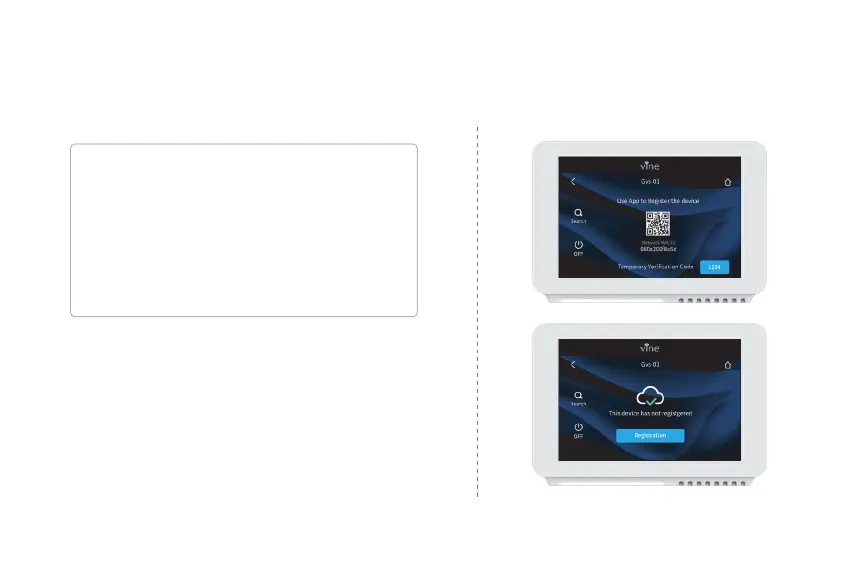
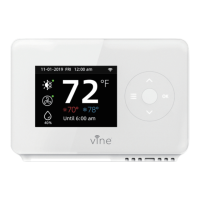
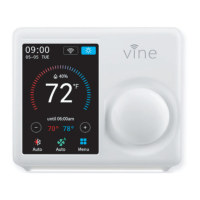
Follow instructions on the next page to add the device to your account.
Possible reasons for Wi-Fi connection failure:
1. Wi-Fi signal is too weak or 5G Wi-Fi network;
2. SSID contains non-ASCII characters;
3. Incorrect password;
4. Wi-Fi works but your internet is inactivated;
5. Additional webpage authentication is required.
For an unregistered device, a message will be displayed
indicating the device needs to be registered.
An account ID will appear once the connection is
established successfully, this ID is for the network to which
the device has been added.
23


 To Next Page