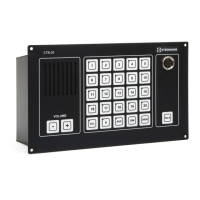
Installation & User Manual System CTB-100V
31
4.2.1 Operation
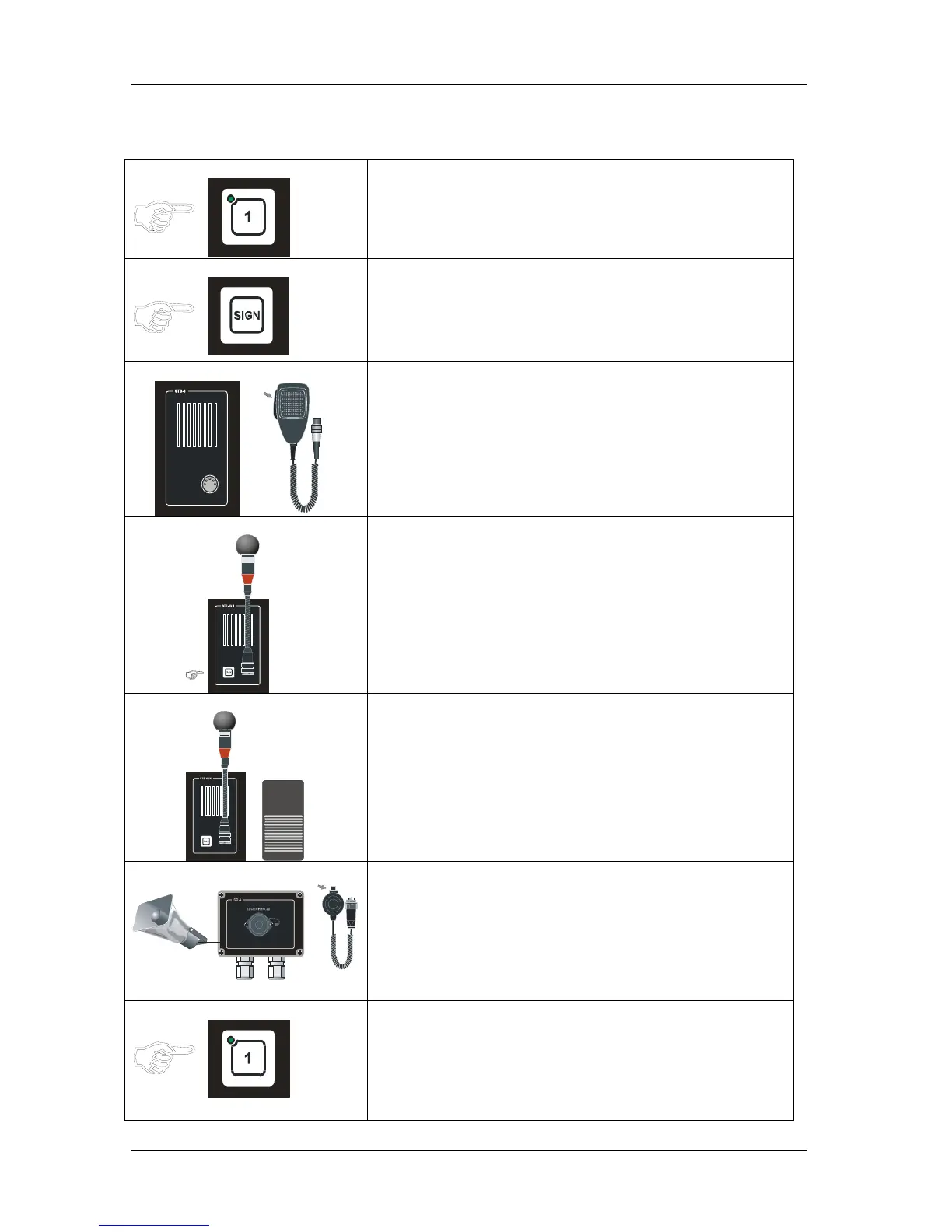
Note! Line selection and signal have to be set up from the central unit.
Operationpanel
• Press the desired LINE button, the call is set up. Indicated
by steady green LED
Operationpanel
• Press the SIGN button.
A tone signal will be given to selected station as long as the
SIGN button is kept pressed.
This will also activate extra signal to substations equipped
with these devices.
Figure 7 Parallel station STB-6
P
T
T
SW
I
T
CH
• Press PTT SWITCH on hand microphone ETC-1-TB
Speak clearly into the microphone. When PTT SWITCH
button is released the parallel equipment will be in listening
mode, and you will hear the communication from the
selected station in the monitor loudspeaker.
Figure 8 Parallel station STB-6GN
• Press TALK on the STB-6GN
Speak clearly into the microphone. When TALK button is
released the parallel equipment will be in listening mode,
and you will hear the communication from the selected
station in the monitor loudspeaker.
STB-6GN Hands free operation
• Press the FOOTSWITCH button .
Speak clearly into the microphone. When the TALK button
is released the parallel equipment will be in listening mode,
and you will hear the communication from the selected
station.
Figure 9 Parallel station SB-4
P
T
T
S
W
I
T
C
H
SB-4 Plug box P-66 microphone. VML-1520 loudspeaker
• Press PTT SWITCH on hand microphone P-66
Speak clearly into the microphone. When PTT SWITCH
button is released the parallel equipment will be in listening
mode, and you will hear the communication from the
selected station.
Operationpanel
• Press the desired LINE button on the operationpanel once
more to end the call.
The LED will be switch off.



 To Next Page