EasyManua.ls Logo

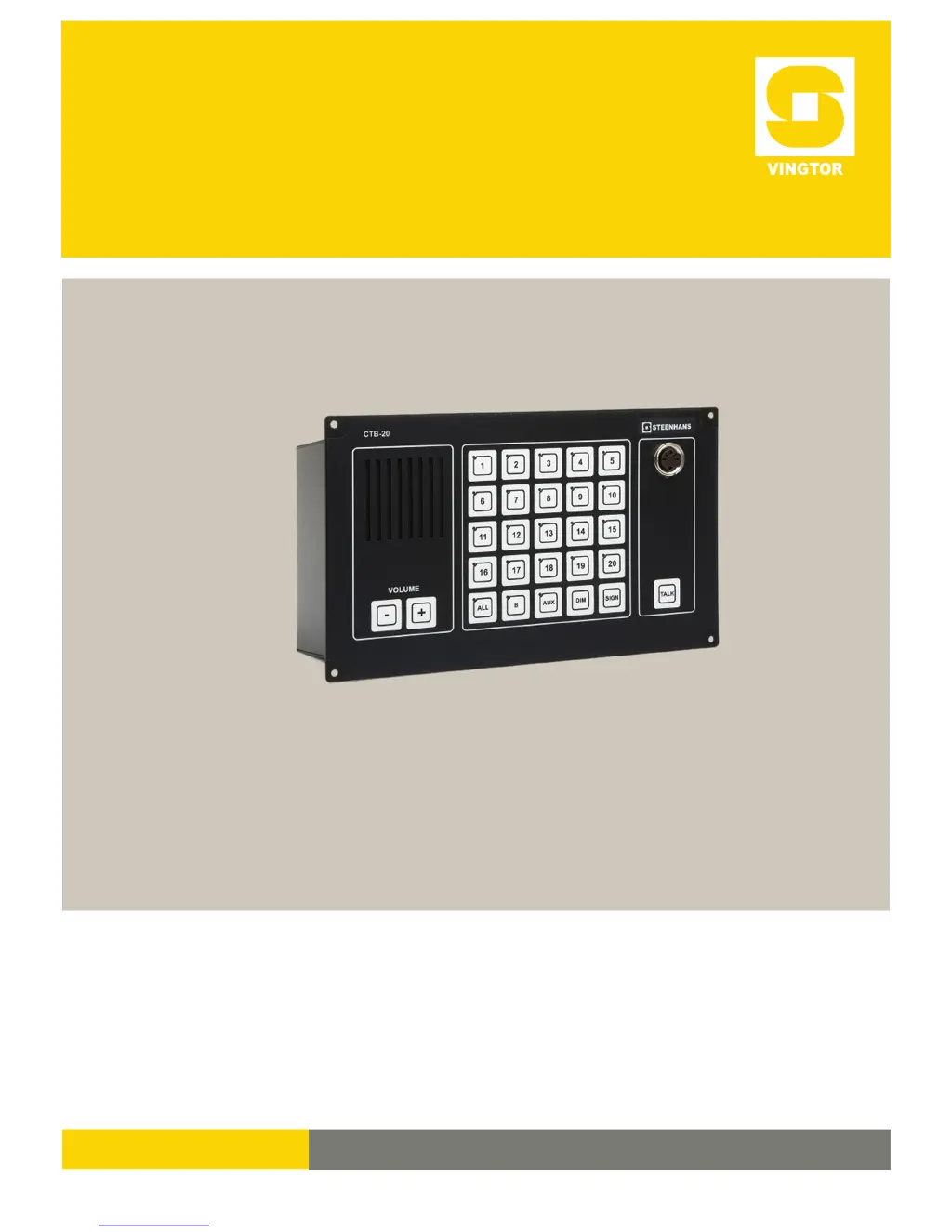
Vingtor CTB-100V - User Manual

Vingtor CTB-100V
115 pages
Print Icon
To Next Page IconTo Next Page
Loading...
INSTALLATION & USER MANUAL
CTB-100V
Command Talk Back & Public Address System
A100K10864

Table of Contents

Questions and Answers

  • V
    valeriedavisAug 9, 2025
    What to do if the Vingtor CTB-100V system is shut down and there is no light indication in CTB-panels?
    • P
      pmurphyAug 9, 2025
      If the Vingtor Speakers system is shut down with no light indication in CTB-panels, here's what you should do: * First, check if there is voltage measured on terminal block X7 no.1-2 in the CU-unit. If there is no voltage, examine the 24V DC mains power supply or the SPS-4 power supply. * If the voltage is correct (24 – 32VDC) on terminal block X7 no.1-2 in the CU-unit, check the fuse marked F3 1AT.
  • A
    Alyssa WilliamsAug 23, 2025
    What to do if Vingtor Speakers SPS-4 power supply fails?
    • D
      David DennisAug 23, 2025
      If the Vingtor Speakers SPS-4 power supply fails, consider these steps: 1. Check the main power supply if there is no light in “DC ok” and there is an indication from failure contact X2 No.5-6(NO)or X2 No.6-7 (NC), considering that 230V AC or 115V AC may have failed and switched to 24V DC Emergency, or the power supply module may have failed. 2. Check the 5.0AT fuse at the terminal marked 3 2.1. If it still doesn't work, the power module may need repair or replacement.

Vingtor CTB-100V Specifications

General IconGeneral
BrandVingtor
ModelCTB-100V
CategorySpeakers
LanguageEnglish

Related product manuals