Installation & User Manual System CTB-100V
26
4.1.10 Public Address Operation of external system
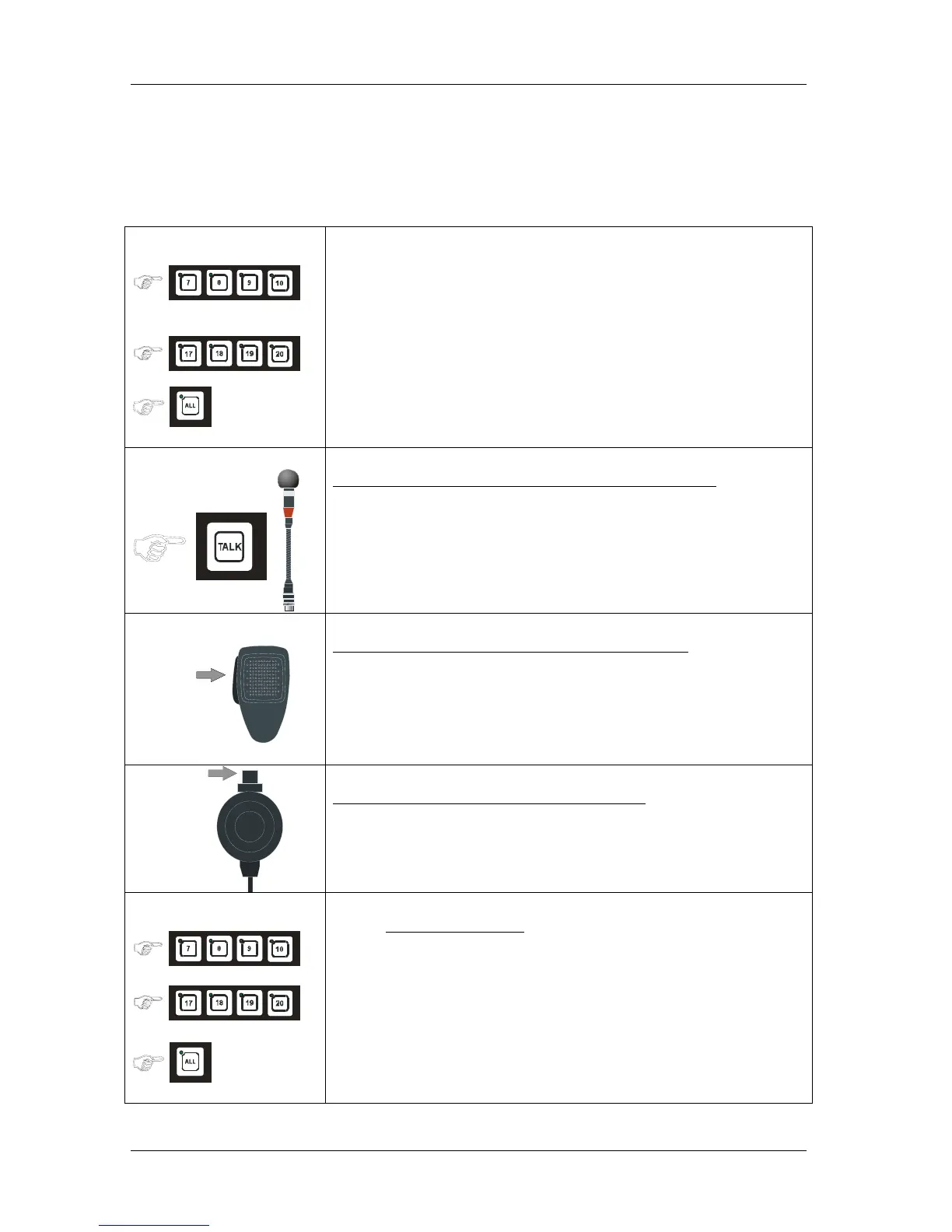
The four last line push buttons on the operation panels can be set to access 1 to 4 public address zones.
CTB-10 & CTB-10W_V01: Push button marked 7-8-9-10
CTB-20 & CTB-20W_V01: Push button marked 17-18-19-20
ALL button will access “all” inclusive Public Address Operation. Operation panel with higher priority will
override ongoing PA-message
CTB-10 & CTB-10W_V01
CTB-20 & CTB-20W_V01
• Press desired LINE button (s), the Public Address call is set up.
Indicated by steady green LED.
Single or group of zones
Operation panel with gooseneck microphone MB-30G
• Press the TALK button.
Speak clearly into the microphone for giving the message.
PTT SWITCH
ETC-1-TB
Operation panel with hand microphone ETC-1-TB
• Press the PTT SWITCH..
Speak clearly into the microphone for giving the message.
PTT SWITCH
Operation panel with hand microphone P-66
• Press the PTT SWITCH..
Speak clearly into the microphone for giving the message.
•
CTB-10 & CTB-10W_V01
CTB-20 & CTB-20W_V01
To end the function
• Press line button (s) or ALL once more to end the Public Address
Operation


 To Next Page