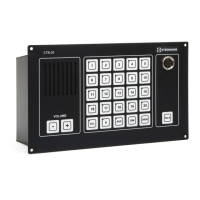
Installation & User Manual System CTB-100V
6
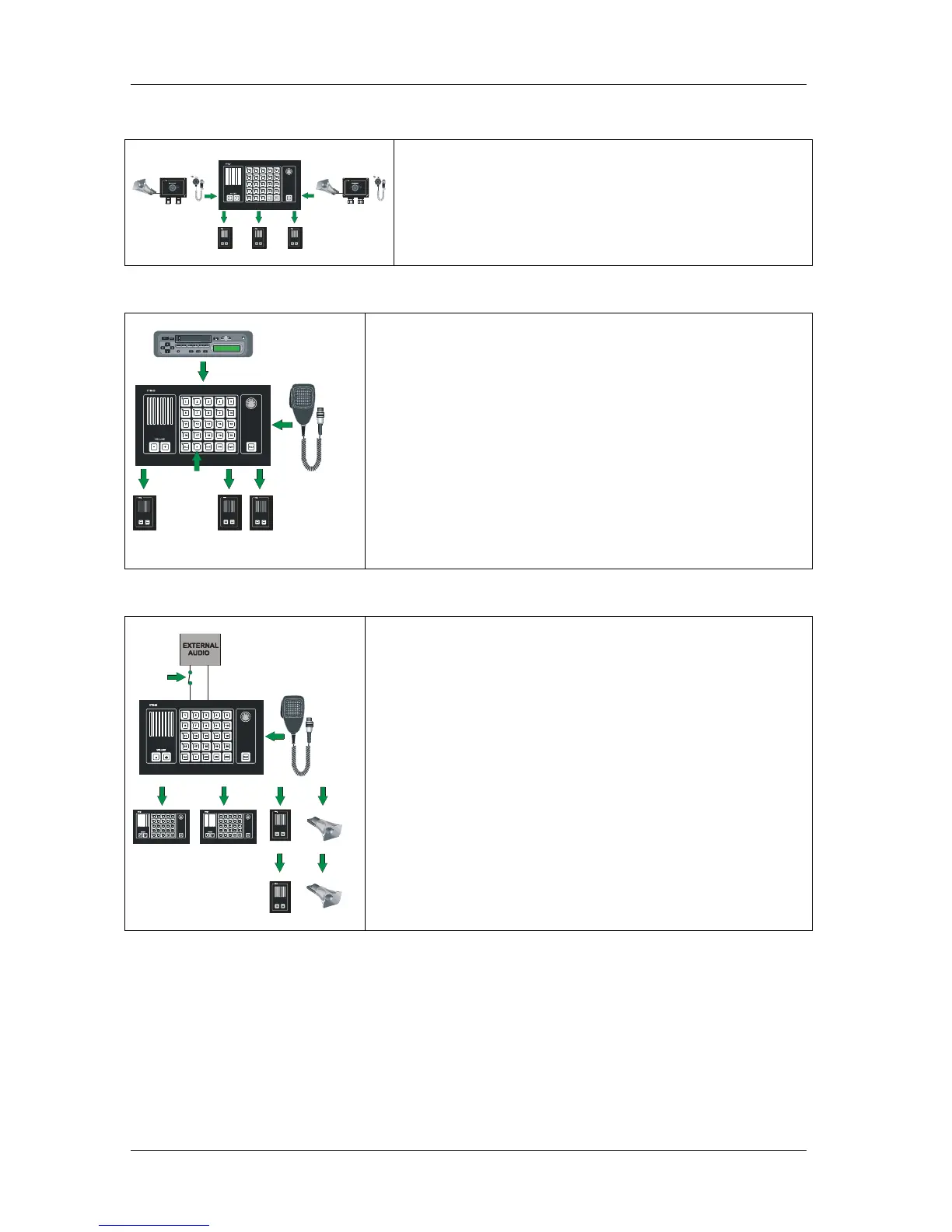
2.4.8 Parallel communication
P
T
T
S
W
I
T
C
H
P
T
T
S
W
I
T
C
H
Function with operation from parallel microphone / loudspeaker
located on bridge wings, or other locations where parallel
microphone / loudspeaker needed.
Note! Line selection have to be set up from the operation panel.
2.4.9 AUX function
AUX
External entertainment, message or alarm can be distributed trough the
CTB system by using push button switch “AUX” together with line
selection switches.
0dB signal from the external system connected to the CTB system will
be addressed to selected substations.
The TALK button on operation panels or PTT button on hand
microphone will override the AUX to giving a all call message.
External system can be:
• VHF radio System
• Entertainment system.
2.4.10 Audio from external audio to All
20
11
4
10
3
2
Alarm (or any audio) from external system can be distributed trough the
CTB system.
An potentional free contact and 0dB signal from the external system
activate the CTB and the message will be addressed to all substations and
operation panels.
The talk button on the operation panel or PTT button on hand
microphone will override the external audio.
Normal talk back functions can not be used in this mode.
External system can be:
• Alarm system.
• External Public Address System
Note! Only the operator of the external system can switch of the external
audio.



 To Next Page