11
苏州万佳电器有限公司
Suzhou wanjia Electric Co.,Ltd.
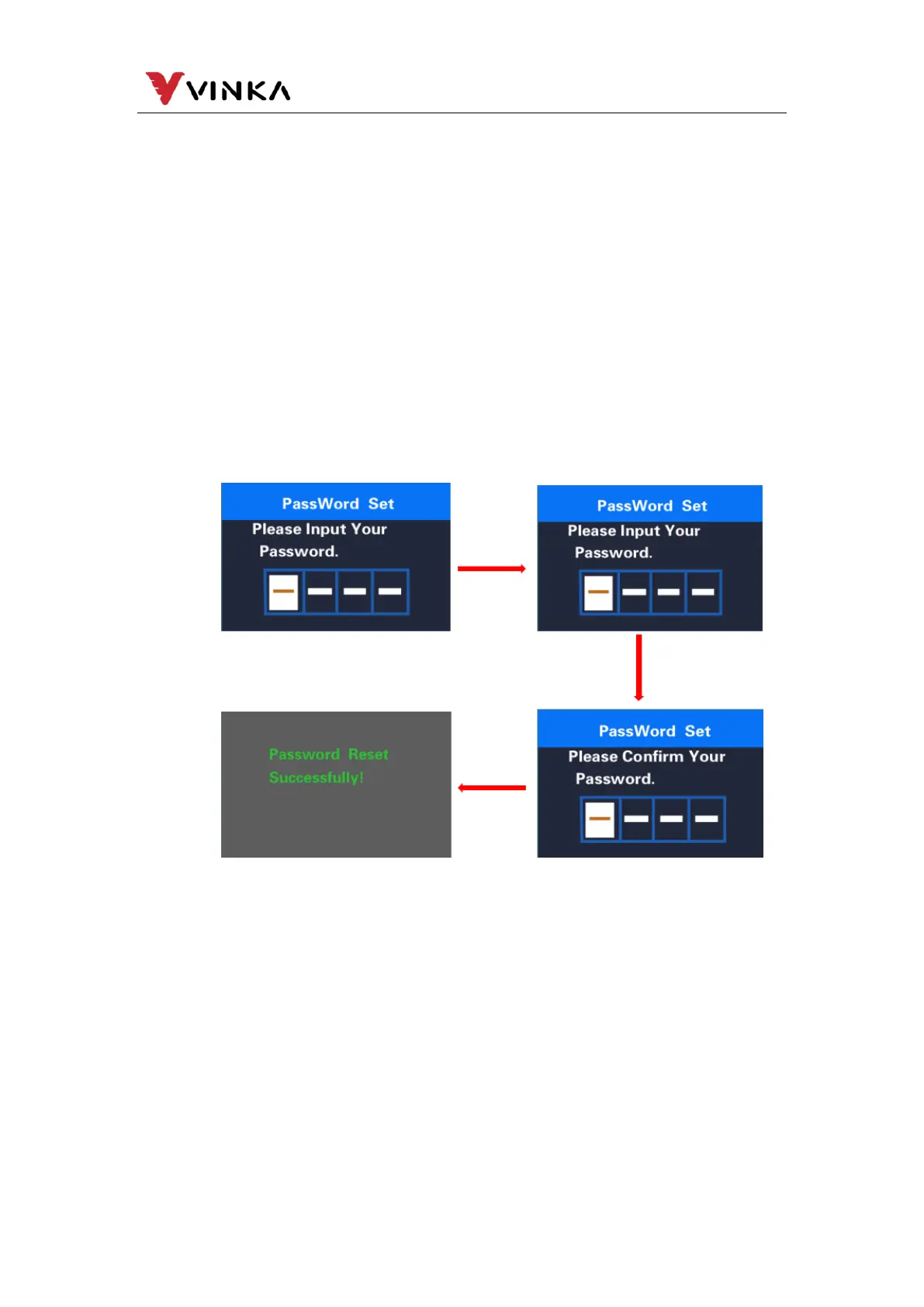
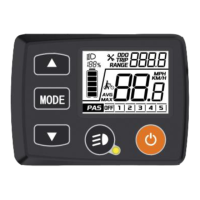
MODE button and select ON to enter the password setting page.
After the interface prompts to enter the password, short press the UP or DOWN
button to switch the digits 0-9, and short press the MODE button to switch the digits.
After the input is completed, the interface prompts to enter the password again. After
the two entries are consistent, the system prompts that the password is set
successfully. If the input is inconsistent, you need to repeat the first step to enter the
new password and then confirm. After the password is set successfully, the 1S
interface will automatically jump to the original setting interface. Long press the
MODE button to exit to the main page or exit to the main interface through
BACK→EXIT. The operation steps are as follows.
When the password has been turned on, the Reset Password option will be
added on the Password page. Short press the MODE and DOWN keys to select
Reset Password and then short press the MODE key to confirm. At this time, the
interface prompts to enter the current password. After the password is entered 10
times incorrectly, the meter will automatically shut down. After the password is
entered correctly, the interface prompts to enter the new password, and the
subsequent operations are consistent with the new password. After the password is
successfully modified, the 1S interface will automatically jump to the original setting
Password Setting interface



 To Next Page