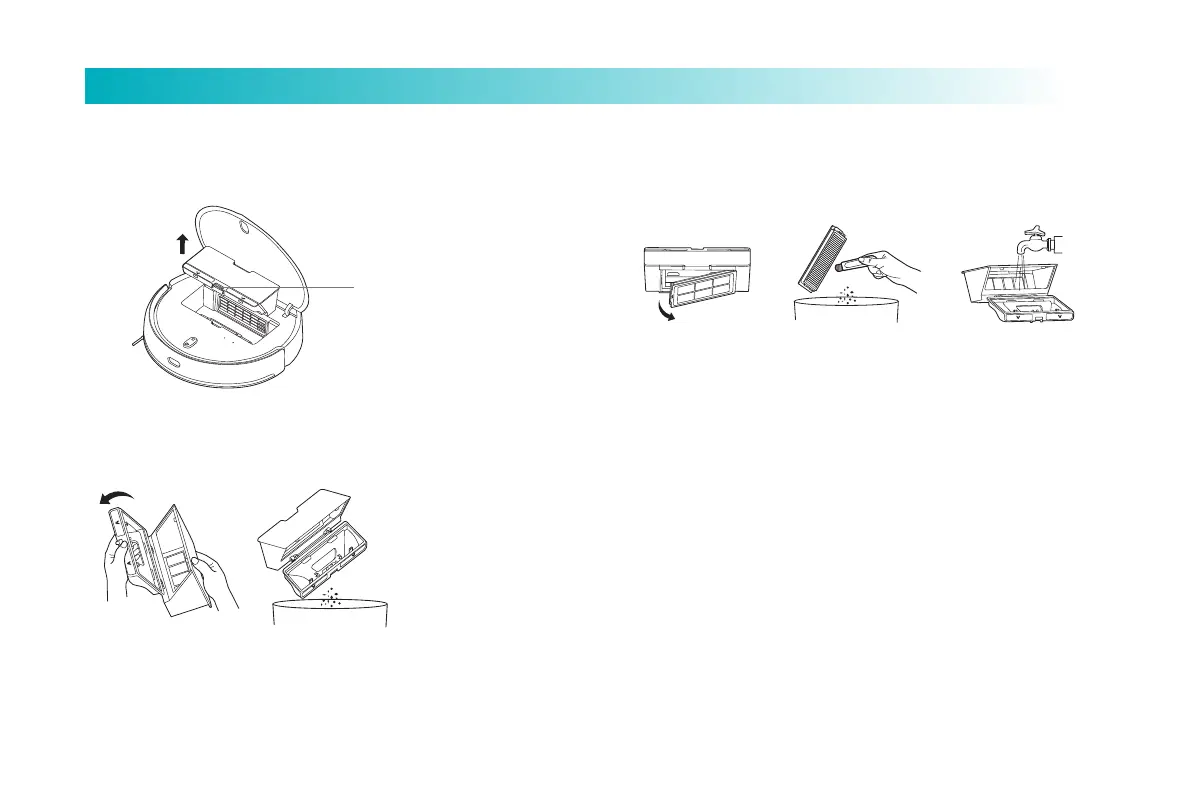
1. Open the main machine cover, press the dust box release buon, and
take out the dust box.
2. Open the dust box cover as shown in the figure, and dump the garbage.
Dustbin
Dust box release buon
15
Product Maintenance
Tips: It is recommended to thoroughly clean the dust box at least once a week.
Please dry the dust box and filter screen before use.
3. Take out the filter screen as shown in the figure, clean the dust box and
filter screen with a cleaning tool, clean it with clear water, dry it and put it back in.



 To Next Page