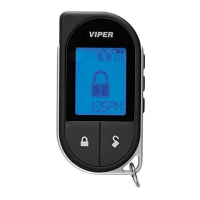
At a Glance
7
© 2009 Directed Electronics. All rights reserved.
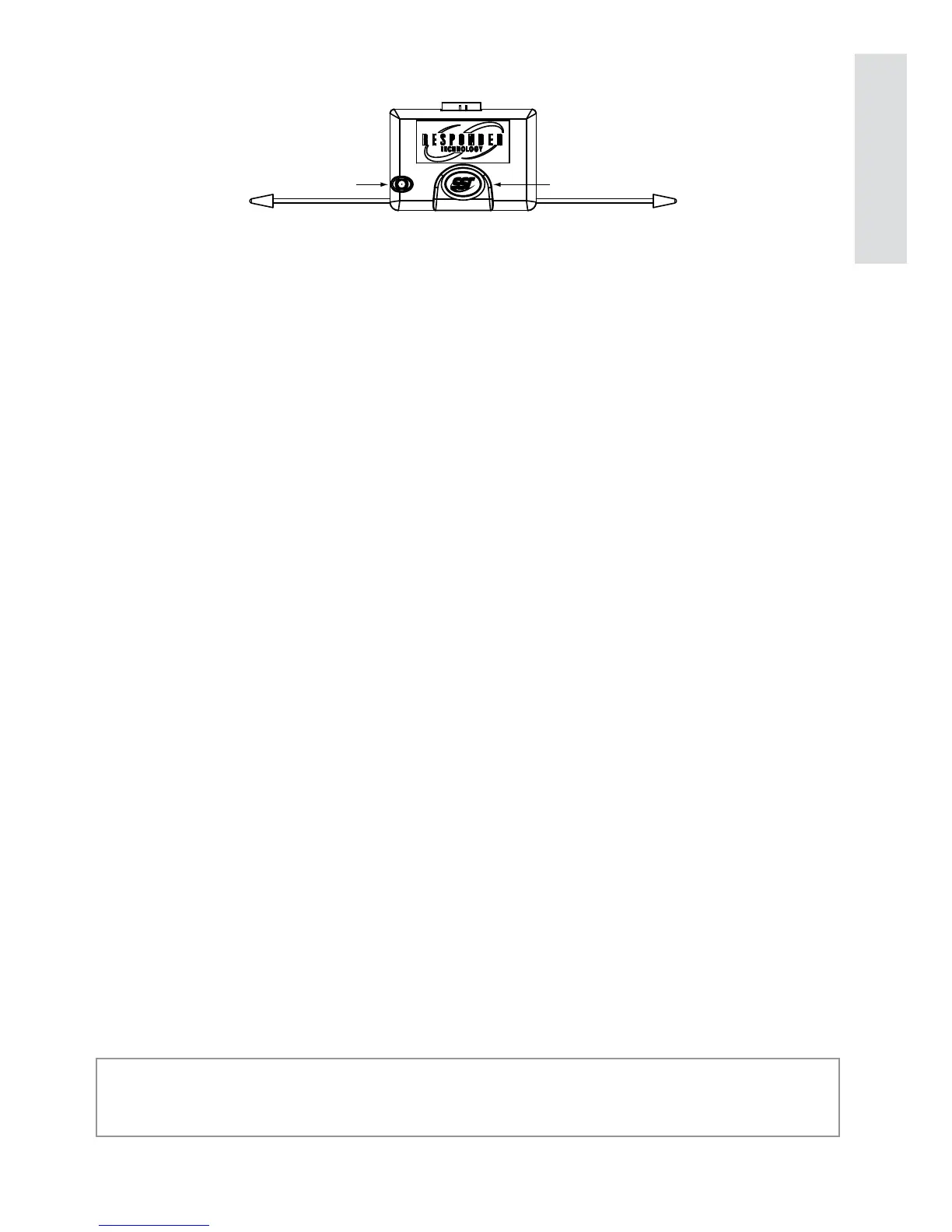
Control Center
Status LED
Control button
The Control Center, typically located on the upper part of the front
windshield sends and receives commands or messages to and from
your system. It consists of:
The In-vehicle system antenna, for 2 way communication. s
The Status LED, as a visual indicator of the system’s status. s
The Control button, for placing the system into Valet Mode* and s
to perform the Emergency Override** operation.
* See Remote and System Operations section for details.
** See Alarm Features for details.



 To Next Page