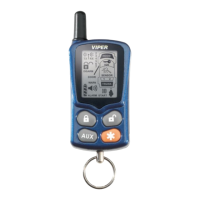
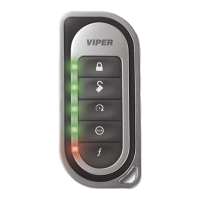
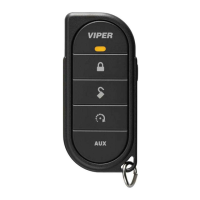
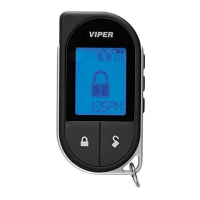
1-Way
45
© 2009 Directed Electronics. All rights reserved.
Programming
To enter; hold the button for 8 seconds, the remote emits one long
beep and turns the LED on, the programming main menu has been
accessed.
To exit; press and release the
button to go back and repeat to exit.
1 short and 1 long beep is emitted for each step back, the LED turns
off when programming is exited.
Sensor Adjust
The
button is used for sensor adjustment, to avoid unintended
alarm triggers, it is recommenced that an authorized Directed
dealer perform all sensor adjustments.
Remote Features menu
Press and release the
button, 2 LED flashes and beeps indi-
cate the remote features menu is accessed and can be set. Press
buttons indicated below, 1beep and flash turns the feature on, 2
beeps and flashes turns the feature off.
Autolock feature: Press s
to turn on/off.
Remote Beeps: Press s
to turn on/off.
Car 2 feature: Press s
to turn on/off.
Remote Learning
Press the
button,3 LED flashes and beeps indicates the remote
is ready to program to the system.
Per the instruction in Remote Pair under the Main Menu section
of this guide, following step 4 of Prepare the vehicle system to
be Paired with a new remote. Press and hold the
button,
the siren emits one long chirp to confirm the remote has been
learned.



 To Next Page