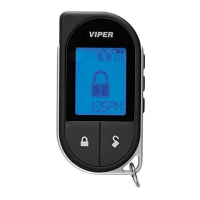
Commands
21
© 2009 Directed Electronics. All rights reserved.
Smart Start**
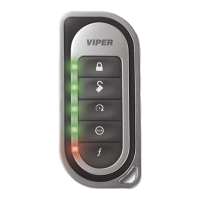
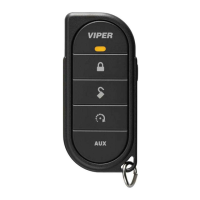
Press and release
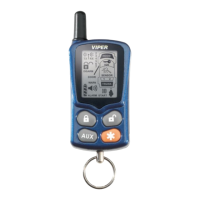
Activates (or if On, deactivates) Smart Start. The parking lights
flash quickly five times for On and slowly five times for Off. The
SMART START ON
or
SMART START OFF
text and beeps play to con-
firm and the Remote start status icons update.
Note
System needs to be armed or Smart Start will not start the
engine.
Alarm Report*
Press and hold the button
Requests a report of the most recent triggers and temporarily displays it
in the text field. The report clears when the ignition is turned on.
* See Alarm Features for more details.
** See
Advanced Start under Remote Start Features for more details.



 To Next Page