EasyManua.ls Logo

Viper AS7690T-US - User Manual

Viper AS7690T-US
93 pages
Print Icon
To Next Page IconTo Next Page
Loading...
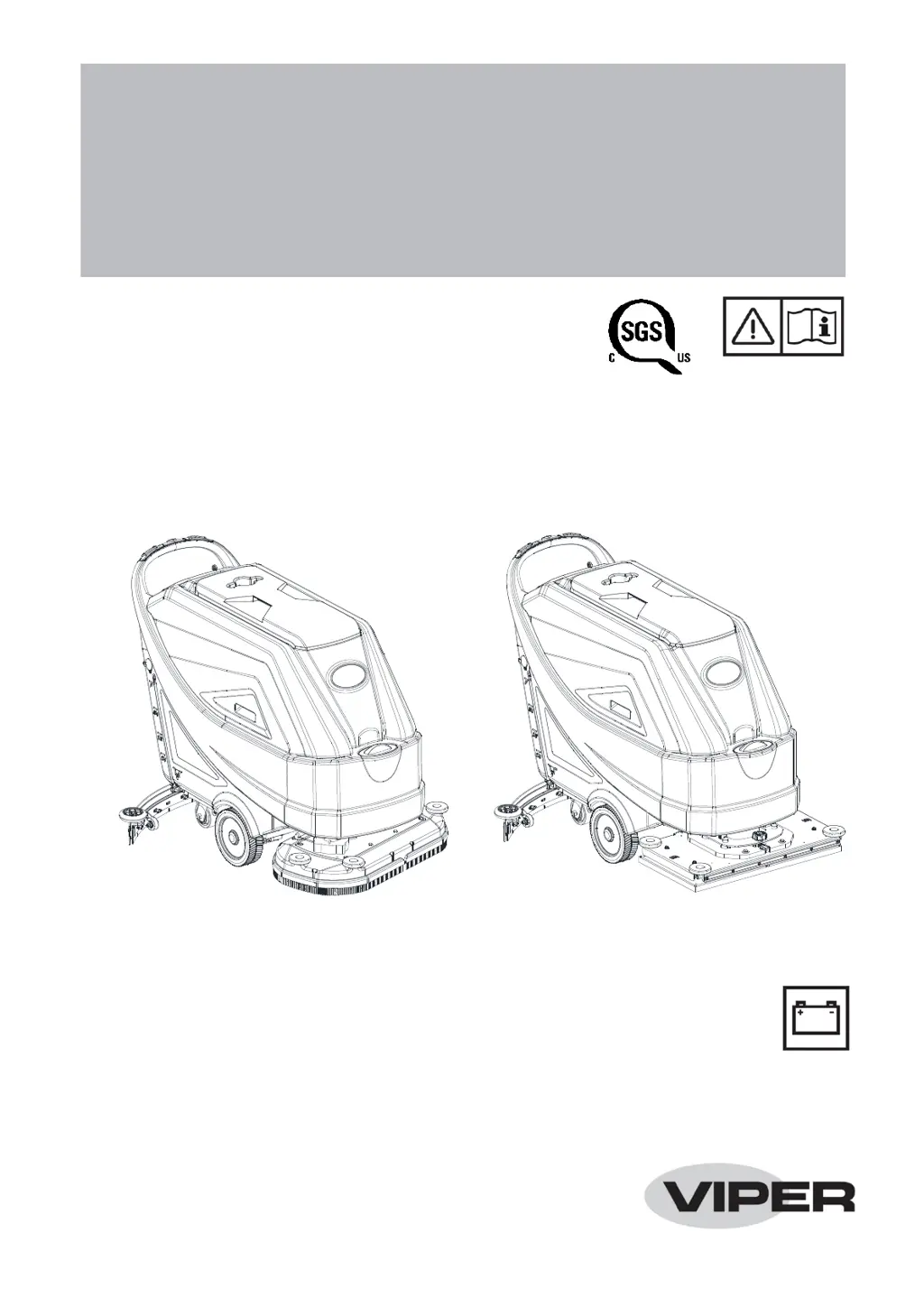
AS7190TO -US
AS6690T-US & AS7690T-US
AS6690T-US & AS7690T-US /
AS7190TO-US
INSTRUCTION FOR USE
AS6690T-US & AS7690T-US / AS7190TO-US
INSTRUCTION FOR USE
Model No.: 50000572/50000573/50000574
VS14002 Rev. A Nov. 2019
800304

Table of Contents

Questions and Answers

  • S
    Steven ManningAug 9, 2025
    Why is the recovery water vacuuming insufficient in my Viper Floor Machine?
    • C
      cooperjefferyAug 9, 2025
      If the recovery water vacuuming is insufficient in your Viper Floor Machine, several issues could be the cause: * The recovery water tank might be full, in which case you should empty it. * The hose could be disconnected from the squeegee; ensure it is properly connected. * The vacuum grid might be clogged, or the float could be stuck closed; clean the grid and check the float. * The squeegee might be dirty, or the squeegee blades might be worn or damaged; clean and inspect the squeegee. * The tank cover might not be properly closed, the gasket might be damaged, or the standpipe tube might be clogged; ensure the cover is correctly closed, replace the gasket if needed, and clean the bend tube. * The vacuum hose could be clogged; clean the hose.
  • S
    smithkennethAug 15, 2025
    What to do if the motors don't work and there is an error code on my Viper Floor Machine?
    • E
      Eugene LiAug 15, 2025
      If your Viper Floor Machine motors aren't working and an error code is displayed, it could be due to a few reasons: * The battery connector might be disconnected; ensure it's properly connected. * The batteries might be completely discharged; charge the batteries fully. In some cases, restarting the machine may also resolve the issue.
  • F
    fwilsonAug 21, 2025
    How to fix squeegee marks on the floor with Viper Floor Machine?
    • Y
      Yolanda HuynhAug 21, 2025
      If the squeegee on your Viper Floor Machine leaves marks on the floor, it could be due to: * Debris under the squeegee blades; remove any debris present. * Worn, chipped, or torn squeegee blades; replace the blades. * The squeegee might not be adjusted properly; adjust it using the knob.
  • M
    Malik ScottAug 27, 2025
    Why is the solution flow to the brushes insufficient in my Viper Floor Machine?
    • K
      Kelly CastanedaAug 27, 2025
      If the solution flow to the brushes is insufficient in your Viper Floor Machine, the solution or clean water filter might be dirty. Clean the filter to resolve this issue.
  • S
    Susan EscobarSep 2, 2025
    What to do if my Viper Floor Machine does not move?
    • K
      Katherine MooreSep 2, 2025
      If your Viper Floor Machine does not move, it could be because the machine was turned on by using the ignition key while keeping one of the switches pressed. To resolve this, turn the ignition key to “0”, and then try to start the machine again without pressing the switches.

Summary

SAFETY GUIDELINES

VISIBLE SYMBOLS ON THE MACHINE

Explains symbols on the machine indicating potential dangers and warnings.

SYMBOLS IN THE INSTRUCTION MANUAL

Explains symbols used within the manual for warnings, cautions, and notes.

GENERAL SAFETY INSTRUCTIONS

Specific warnings and cautions to inform about potential damages to people and machine.

MACHINE DESCRIPTION

MACHINE STRUCTURE OVERVIEW (FIGURE 1)

Identifies machine components using a diagram labeled Figure 1.

MACHINE STRUCTURE OVERVIEW (FIGURE 2)

Identifies additional machine components using a diagram labeled Figure 2.

CONTROL PANEL LAYOUT AND FUNCTIONS

Details the multifunction display, buttons, and indicators on the control panel.

WORKING MODES

MACHINE DIMENSIONS AND SPECIFICATIONS

TECHNICAL PARAMETERS

Lists detailed technical specifications for all machine models in a comprehensive table.

ELECTRICAL AND WIRING INFORMATION

OPERATING GUIDE

BATTERY INSTALLATION AND TYPE SETTING

Step-by-step procedures for installing batteries and configuring machine for WET/GEL/AGM types.

MACHINE START, STOP, AND OPERATION

Steps for starting, stopping, and operating the machine for scrubbing and drying.

MAINTENANCE

MAINTENANCE OVERVIEW AND WARNINGS

General overview of maintenance, important warnings, and when to use service centers.

SCHEDULED MAINTENANCE TABLE

Outlines daily, weekly, semiannual, and yearly maintenance tasks.

TROUBLESHOOTING AND ERROR CODES

COMMON TROUBLES AND REMEDIES

Table listing common machine problems, their probable causes, and solutions.

ERROR CODE DIAGNOSTICS

Table detailing error codes, their descriptions, and troubleshooting notes.

Viper AS7690T-US Specifications

General IconGeneral
ModelAS7690T-US
Pad Size20 inches
Cleaning path20 inches
Motor Power1.5 HP
Brush motor1.5 hp (1100 W)
Power sourceBattery
Horsepower1.5 HP

Related product manuals