40
E-call
Outgoing numbers: maximum 1, incoming numbers: maximum 3.
]
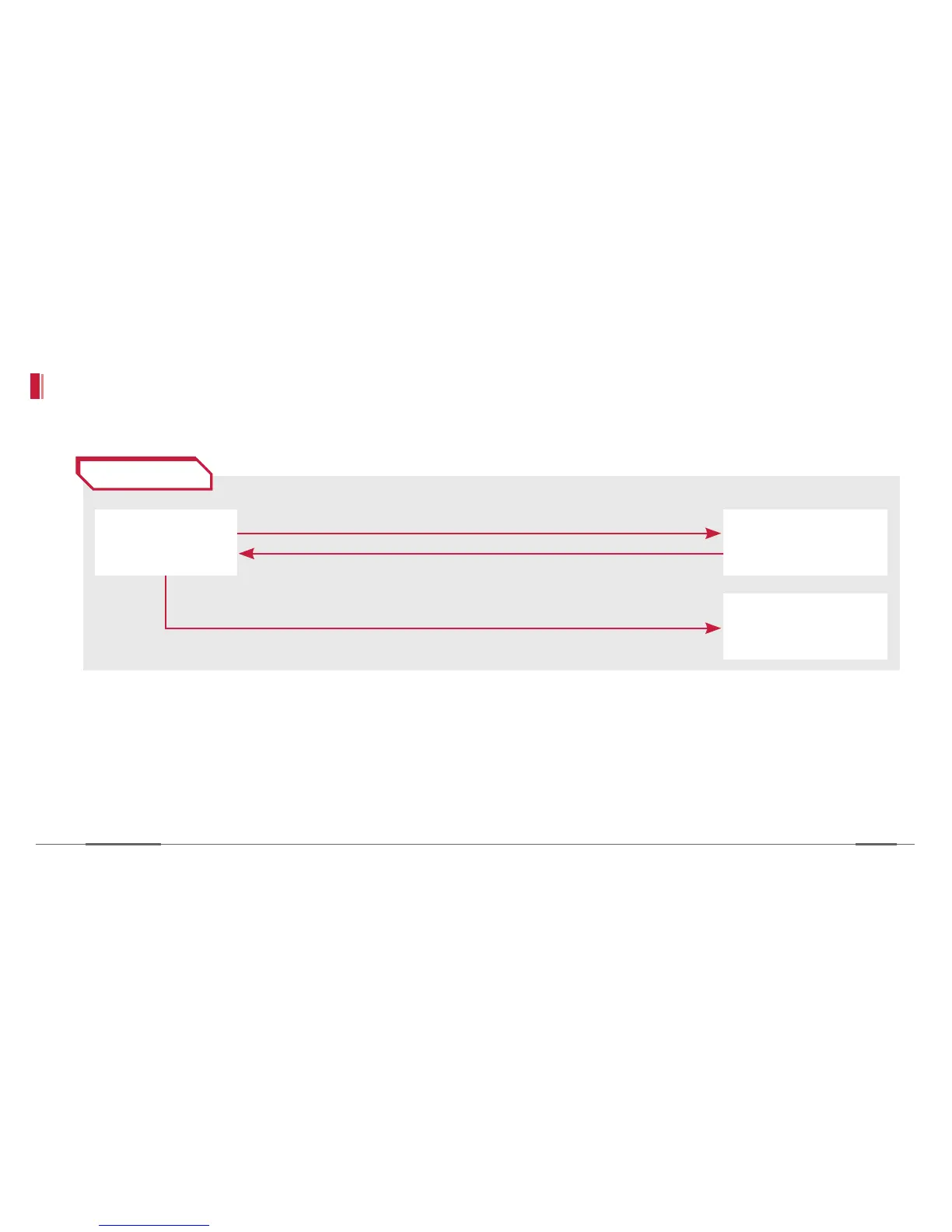
Calling scenario
»
Press the Voice E-call button.
»
Call is made to the designated number. (Event recording file gets stored when the E-button is pressed.)
»
Call to the manager ends. (The driver cannot end the call, so make sure to turn off the voice mail service.)
»
After the call ends, event images are uploaded with the GPS data/date.
Dials to the driver-designated number, redial once upon failure
Call ends by the manager
Event video recording and storing to the device
Driver
(E-button)
Manager
(designated number)
Server
Accident


 To Next Page