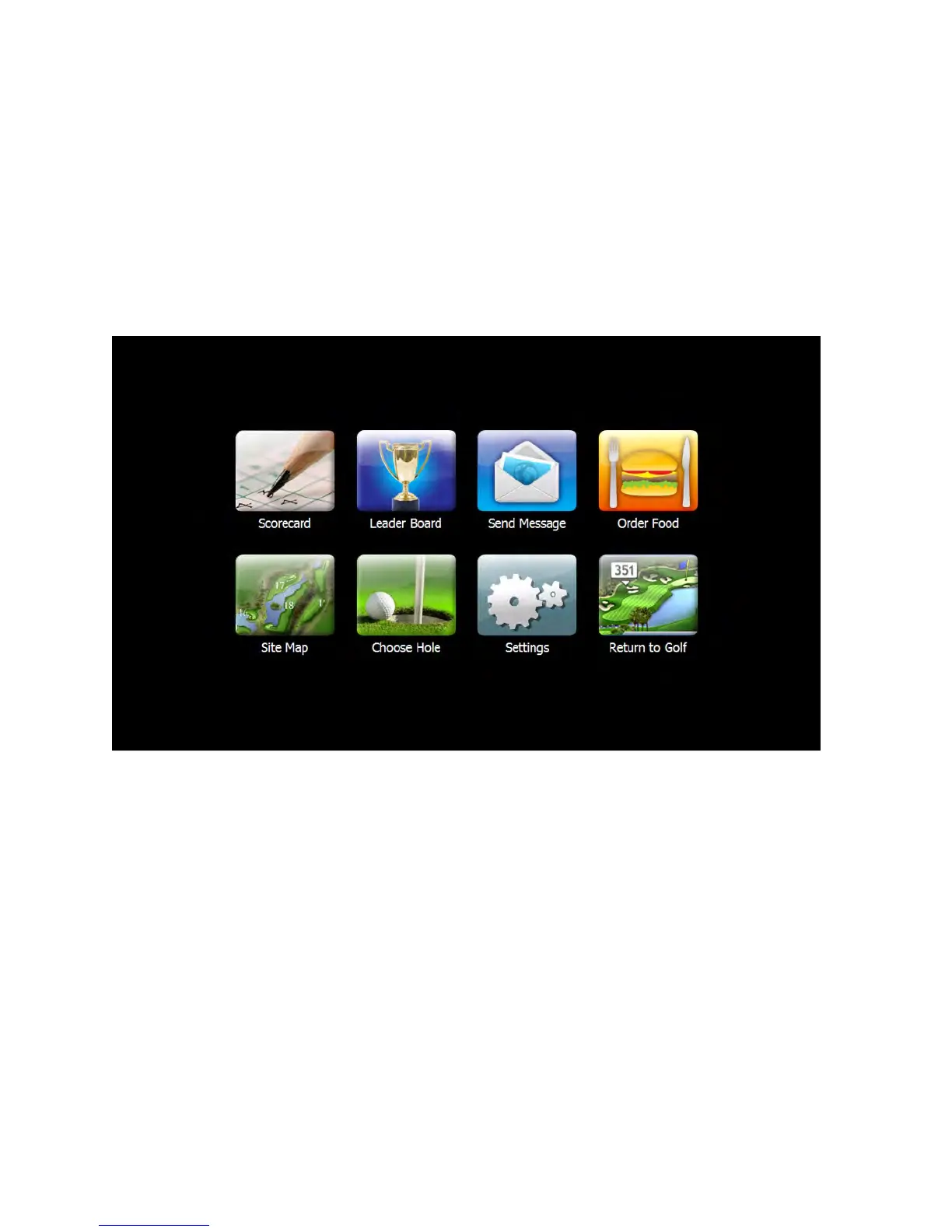
The Main Menu
The Visage Main Menu allows you access to features such as food ordering, scorecards and leaderboards, and
messaging. To access the Main Menu, simply press the Main Menu button from any screen.
Once on the Main Menu, you can select the feature you wish to use by pressing the appropriate button.
Return to the Golf Map
To return to the Golf Map screen, simply press the “Return to Golf” button.
GPS Industries, LLC
Visage VDU User Manual! 8


 To Next Page