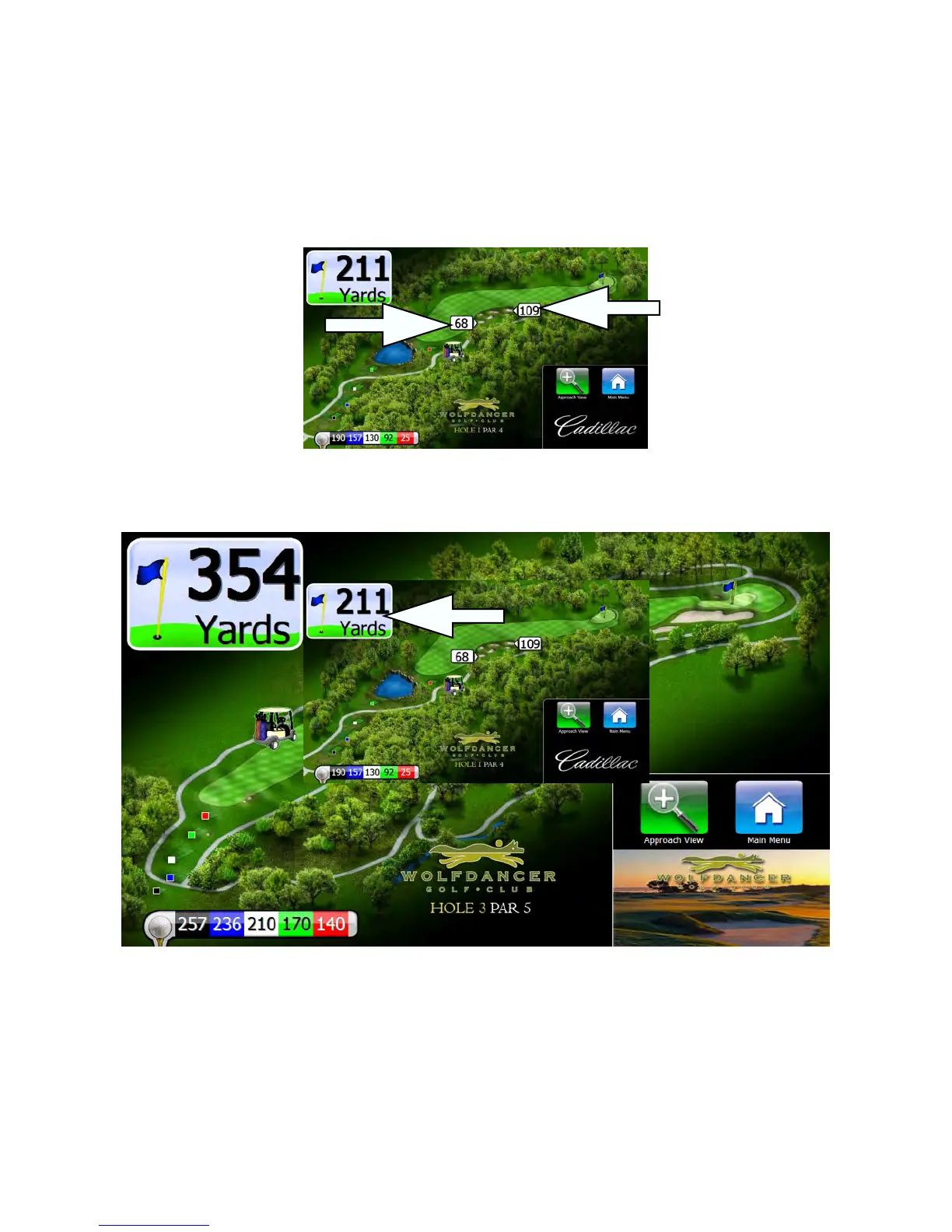
The Golf Map Screen
The main screen that golfers will interact with is the Golf Map screen. This screen shows a map of the current hole and
yardages to hazards and other point of interest.
Flyovers
When golfers first reach a hole, they will see a a 3D flyover to help them plan their strategy for the hole. After the flyover
finishes playing, the screen will return to the golf map. Golfers can view the flyover again at any time by pressing the
“view flyover” button on the screen.
GPS Industries, LLC
Visage VDU User Manual! 3


 To Next Page