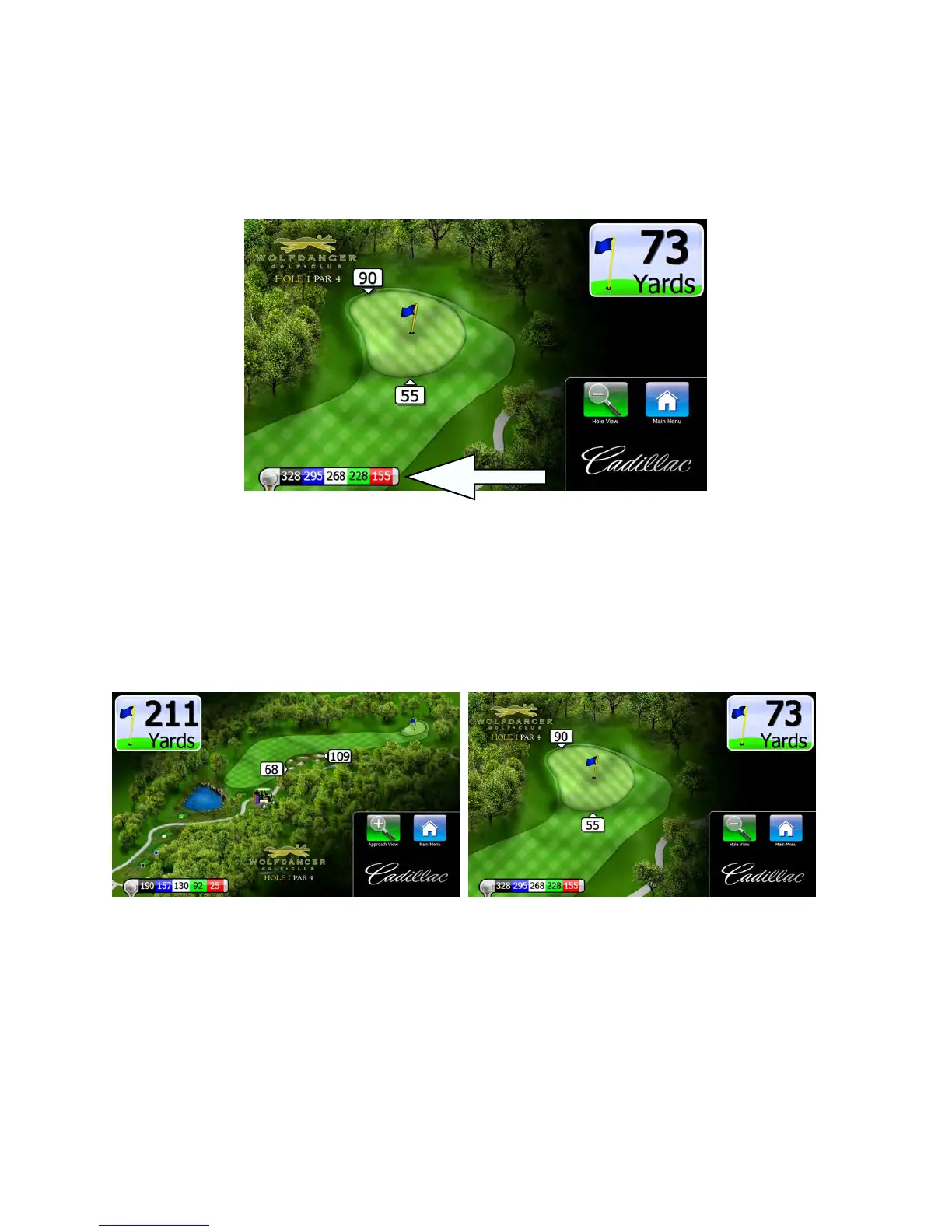
Tee shot distances
After you hit your drive and move away from the teebox, Visage will display distances measured from your golf car back
to up to five teeboxes. This yardage can be used to help you determine the distance of your drive. This is shown in an
informational popup that appears at the bottom of the screen.
Car Ahead
On blind tee shots, the Visage VDU may warn the golfer that someone is in the driving area.
View the approach/hole
When you begin play on a hole, Visage first shows a “hole view,” or a map of the entire hole. As you approach the green,
Visage will automatically zoom in to a “green view.” The golfer can elect to zoom in to the green view or back out to the
hole view at any time by pressing the Zoom button on the screen.
GPS Industries, LLC
Visage VDU User Manual! 6


 To Next Page