Settings
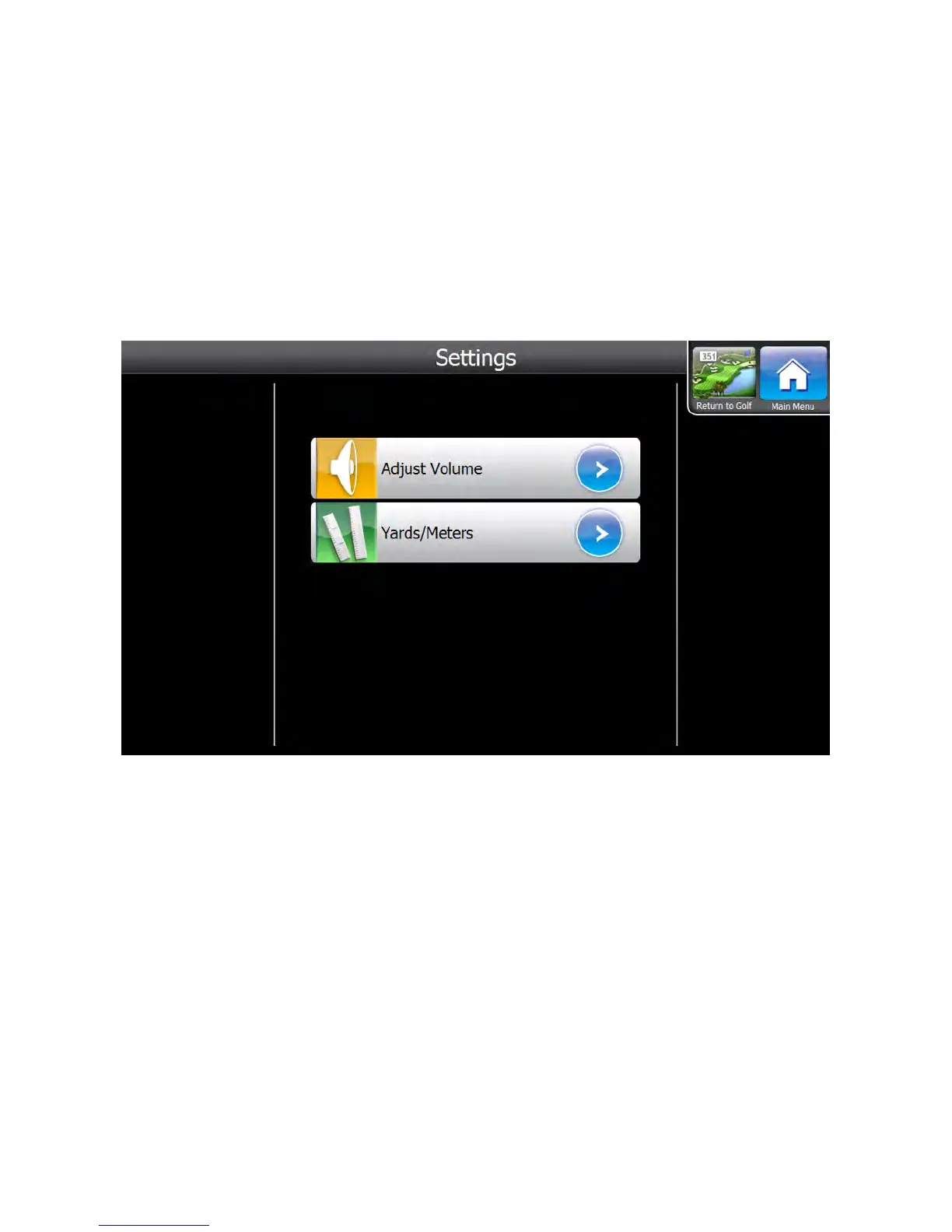
The Visage VDU has several settings that golfers can change to customize their experience. To access the Settings
Menu, golfers can go to the Main Menu, then press the Settings button.
Adjust volume
To change the volume of sound effects, first go to the Settings Menu. Then, press the Adjust Volume button. On the
Adjust Volume submenu, press the high, medium, low, or off buttons.
Change Distances’ Units (Yards / Meters)
To change whether the distances are shown in yards or meters, first go to the Settings Menu, then press the Yards/
Meters button. On the Yards/Meters submenu, press the Yards or Meters button.
GPS Industries, LLC
Visage VDU User Manual! 16


 To Next Page