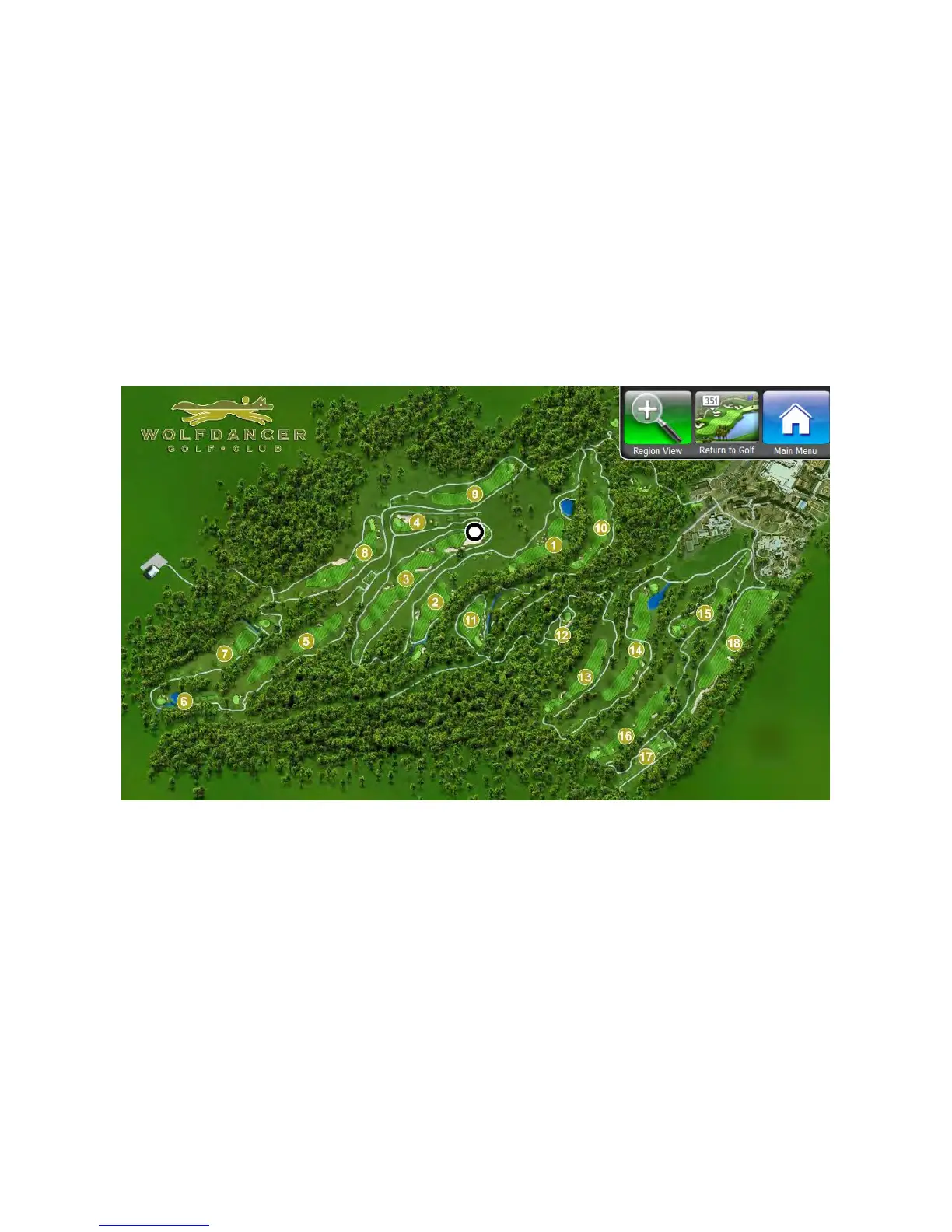
Site Map
The Visage VDU allows golfers to view a map of the entire site. The site map will automatically display when golfers are
between holes, unless a full screen ad is defined in that spot (if the golfer dismisses the ad, the display will revert to the
site map). Your golf car’s location is shown as a blinking white dot on the screen. The site map is always oriented with
North at the top.
Golfers can also view the site map at any time by going to the Main Menu, then pressing the Site Map button.
GPS Industries, LLC
Visage VDU User Manual! 14


 To Next Page