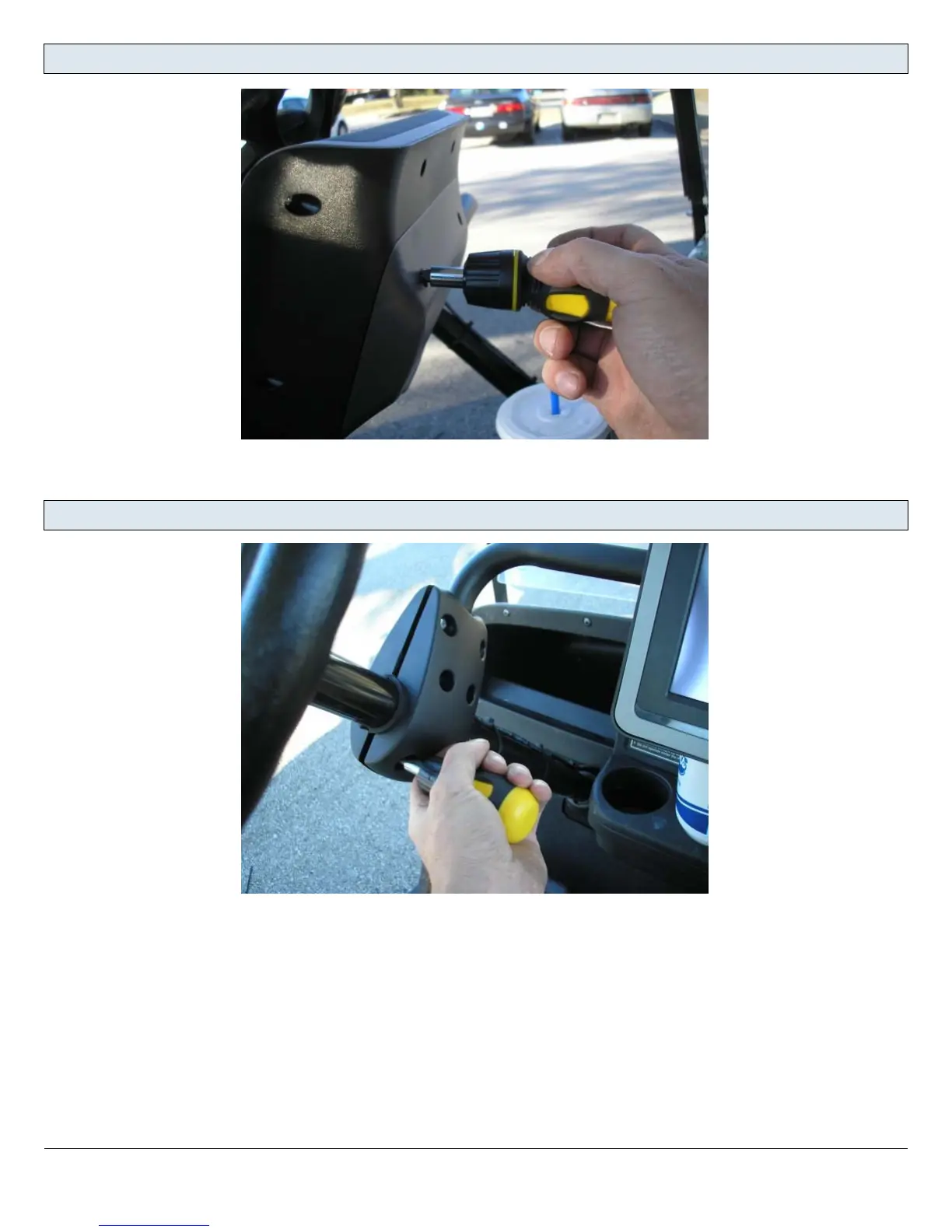
Install the back cover.
Don't forget the lockwashers here.
Tighten the screws.
Make sure the top of the Visage unit is perfectly level across.
Tighten the screws until you can't rotate the clamp around the column.
The gap between the 2 sides of the clamp should be even side to side and front to back.
If you are using a power drill, be sure to set the torque clutch low enough that you don't damage the
plastic clamps.
EZGO RXV Cart Install - Visage - 5



 To Next Page