Starting up the Visage VDU
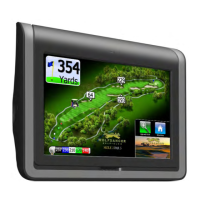
When you turn on a unit, it will first go through a series of diagnostics. The screen will show a “booting up” message and
a progress indicator.
The Welcome Screen
After boot up is complete, the VDU will typically show a course’s “Welcome Screen.” The Welcome Screen is an ad the
course defines welcoming golfers to the course that displays when golf cars are near the clubhouse or in the staging
area.
GPS Industries, LLC
Visage VDU User Manual! 2


 To Next Page