Cantorum Trio – Duo Plus
Reference Manual
SETTING THE VOLUMES (LEVELS menu)
The Cantorum Trio – Duo Plus organ allow the user to adjust several volumes, in
order to obtain a perfect sound balance among the sections and between internal
and external amplifications.
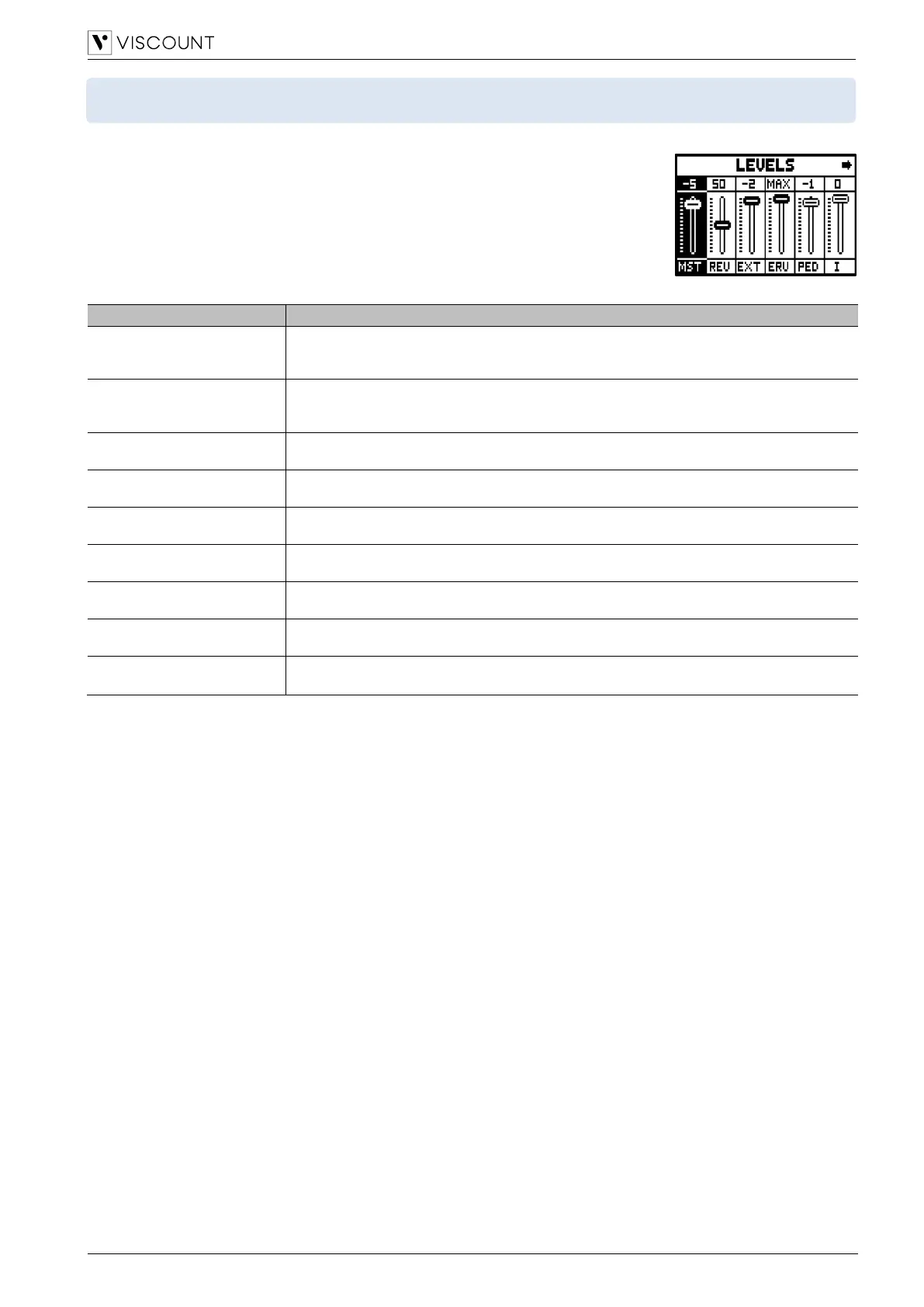
To display the volumes video page, press the [LEVELS] button.
The settings which can be made are:
Organ’s overall volume, which can also be adjusted with the [VOLUME] slider on the front
panel.
Settings: Off, -59 dB to 0 dB
Reverb effect level on the internal amplification, which can also be adjusted with the
[REVERB] slider on the front panel.
Settings: Dry, 1 to 99, Wet
General volume of the PROG. OUT connectors of the rear panel.
Settings: Off, -59 dB to 0 dB
Reverb effect level on the PROG. OUT connectors of the rear panel.
Settings: Dry, 1 to 99, Wet
Pedalboard divisional volume.
Settings: -18 to 0
Manual I divisional volume.
Settings: -18 to 0
Manual II divisional volume.
Settings: -18 to 0
Manual III divisional volume.
Settings: -18 to 0
Volume of the orchestral voices.
Settings: -18 to 0
Press [EXIT] or [LEVELS] or wait about 4 seconds to quit the screen and return to the previous video page.



 To Next Page