Cantorum Trio – Duo Plus
Reference Manual
Backup, restore and factory reset of organ configuration
(Backup/Restore menu)
BACKUP, RESTORE and FACTORY RESET of ORGAN
CONFIGURATION (BACKUP/RESTORE menu)
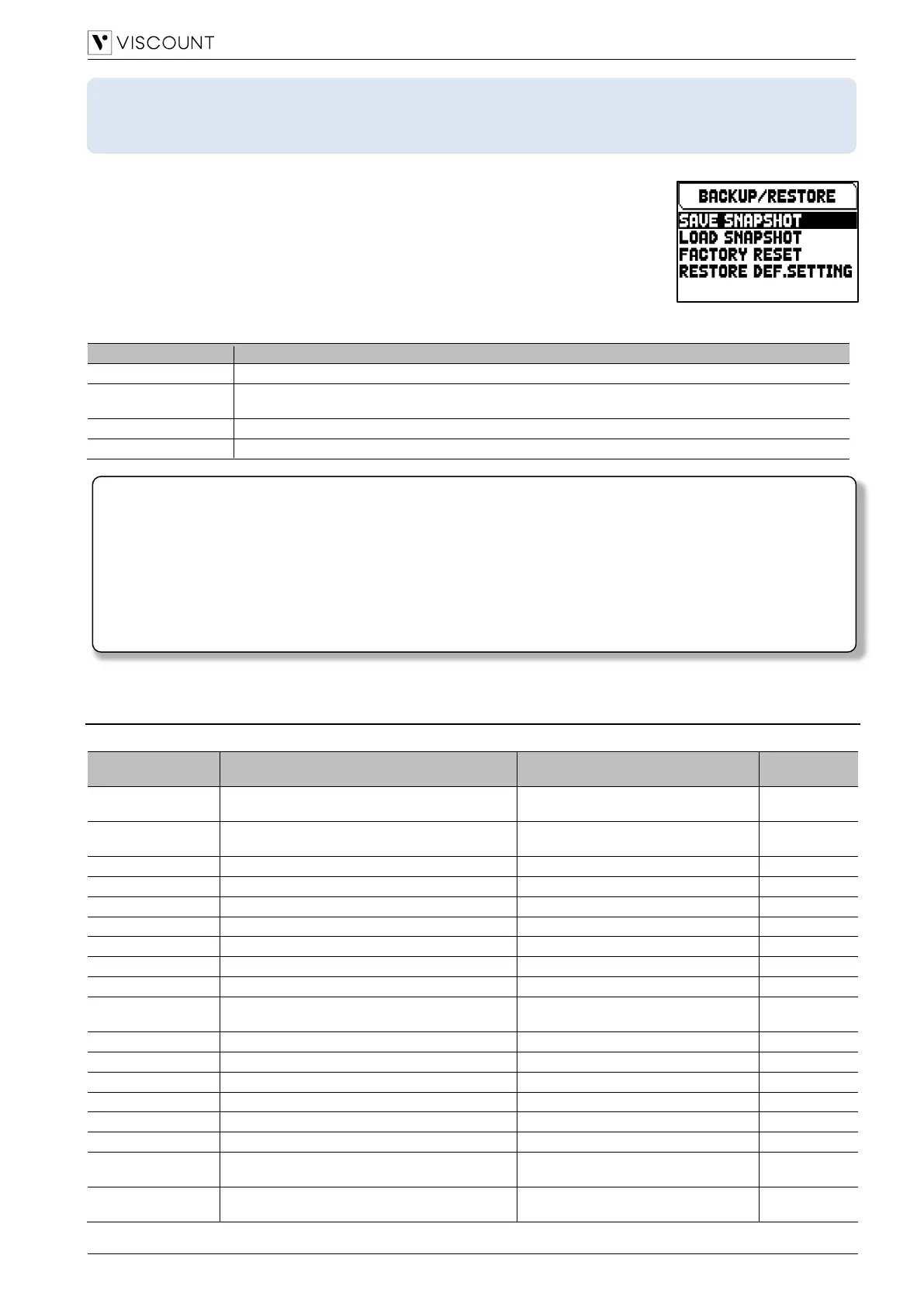
The BACKUP/RESTORE menu contains functions to backup (save as .ALL file)
the entire organ configurations (Pipe Sets, combinations, settings) in a USB flash drive,
reload it (or parts of it) into the internal memory and reset to the factory-set state of the
entire organ settings. Created backup files are also called “Snapshot”.
To access to this menu, in the main video page,
1. press the [MENU/ENTER] button,
2. place the cursor on the BACKUP/RESTORE (2nd page) field and press
[MENU/ENTER].
The BACKUP/RESTORE menu contains the following settings:
Save of the entire organ configuration (Pipe Sets, combinations, settings) in a USB flash drive.
Load the entire organ configuration or single sections (Pipe Sets, combinations, settings) from a
USB flash drive.
Restore of the entire organ configuration (Pipe Sets, combinations, settings) to the factory-set state.
Restore the instruments settings to the factory-set state.
What a Snapshot contains
Below is the complete list of what a Snapshot contains:
All the pamaters contained in all the Pipe Sets
available in the instrument.
Available in the “Physis Plus The
Editor” application
All the combinations of the instrument.
Audio parameters
(except Reverberation parameters)
Link Master Volume Pot. To
Link Reverb Volume Pot. To
External and Internal Windchest of each voice
Available in the “Physis Plus The
Editor” application
External outputs parameters
Available in the “Physis Plus The
Editor” application
Once the USB flash drive is inserted please wait some seconds before displaying the
BACKUP/RESTORE menu. If the instrument still does not detect the drive, showing “WARNING: NO
USB MEM” on the bottom of the screen, press [EXIT] to leave the menu and then try again.
-
When connecting a new or just formatted USB flash drive to the organ, the system will automatically
create two directories in the drive: “v_settings” and “v_songs”. The system needs these two folders to
arrange files, and they must not be deleted or renamed, otherwise the saved files will be lost. The system
will save the organ configuration as .ALL file in the “v_settings” directory.
- Always use USB flash drive formatted with FAT or FAT32 file system (no NTFS).



 To Next Page