Cantorum Trio – Duo Plus
Reference Manual
MIDI settings (MIDI menu)
MIDI SETTINGS (MIDI menu)
The MIDI menu contains all the settings of the organ’s MIDI interface.
To access to this menu, in the main video page,
1. press the [MENU/ENTER] button,
2. place the cursor on the MIDI (2nd page) field and press [MENU/ENTER].
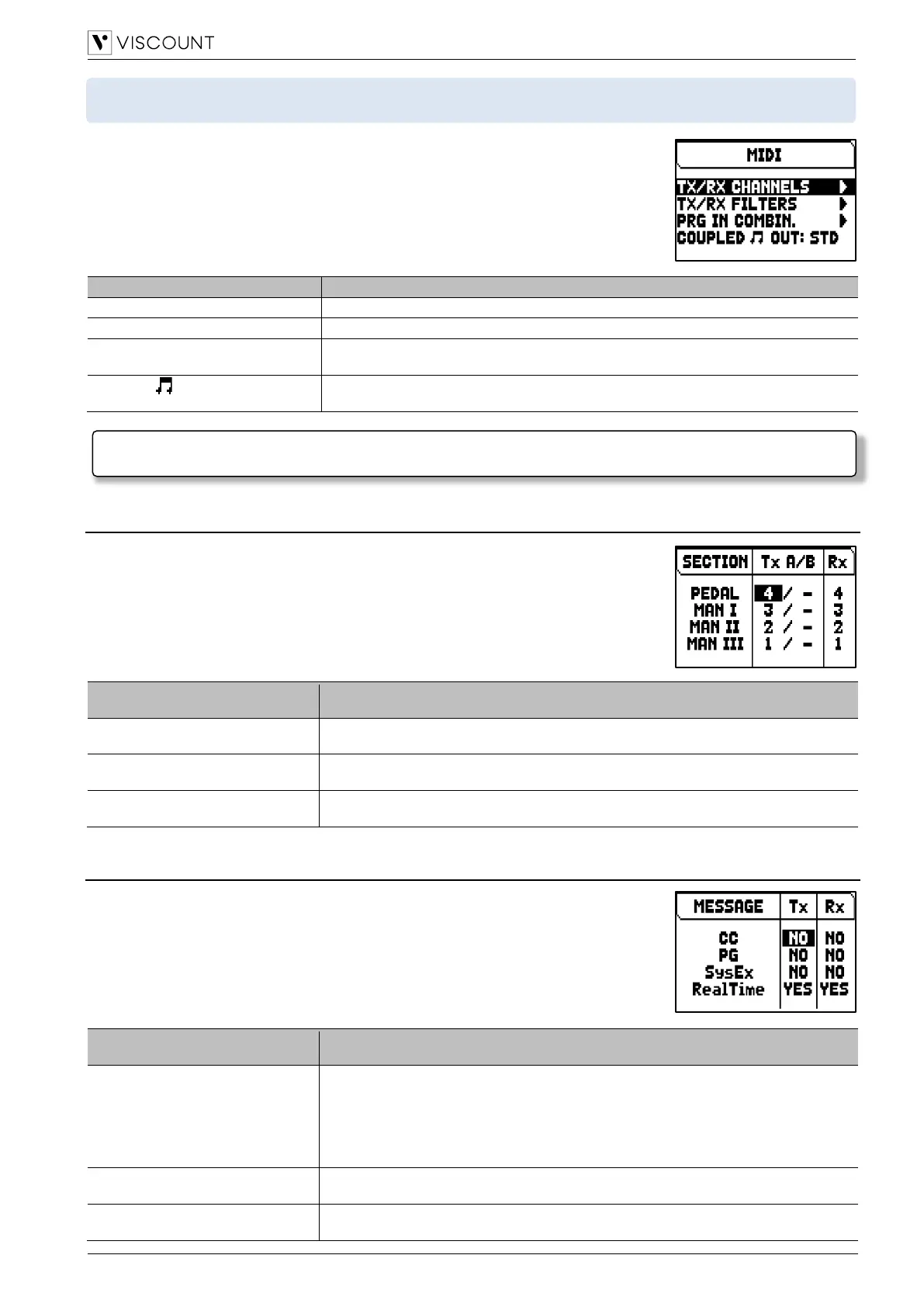
The MIDI menu contains the following settings:
Selection of input and output MIDI A and B channels for each organ section.
Enable/disable of input and output MIDI filters.
PRG in Combin.
(Program Change in Combinations)
Store of Program Change and Bank Select MIDI messages in combinations.
Enable/disable the transmission of MIDI notes generated by couplers.
Settings: No, Yes
Selecting the input and output channels (TX/RX CHANNELS function)
The organ can send out MIDI messages on a single channel, or through two
channels simultaneously. It can only receive on one channel.
To set the MIDI channels, select the TX/RX CHANNELS field in the MIDI menu.
The settings which can be made are:
Parameter name
(displayed at the top of the column)
Organ division for witch to set MIDI channels.
Settings: [organ division]
Transmission (output) A and B MIDI channels.
Settings: - (no transmission), 1 to 15
Receiving (input) MIDI channel.
Settings: - (no reception), 1 to 15
Setting the input and output filters (MIDI FILTERS function)
A MIDI filter allows to block a particular message on all MIDI channels (if the signal is
channelled). The CC transmission filter, for example, blocks Control Change MIDI
messages in the MIDI [OUT] port, on all MIDI channels of the organ. In the same way,
the PG receiving filter blocks Program Change on all channels (therefore they are not
executed to recalling combinations, Tutti, Crescendo) received from the MIDI [IN] port.
To set the MIDI filters, select the TX/RX FILTERS field in the MIDI menu.
The settings which can be made are:
Parameter name
(displayed at the top of the column)
MIDI messages to filter.
Settings:
• CC: Control Change
• PG: Program Change
• SysEx: System Exclusive
• RealTime: Real Time
Enable/disable transmission (output) filter.
Settings: No, Yes
Enable/disable receiving (input) filter.
Settings: No, Yes
NOTE
For further informations about the MIDI interface of the Cantorum Trio – Duo Plus, see page 54.



 To Next Page