43
Viscount Chorum
User Manual
Select ACCEPT or TRIM AND ACCEPT to move to the saving screen. Now it is possible to save the
song with a different name.
Selecting PLAY or PLAY FROM LAST OVD will activate the sequencer play mode. Press [EXIT] to
return to the previous screen.
ORIGINAL
05:20
OVERDUB
03:10
NEW
05:20
ORIGINAL
05:20
OVERDUB
03:10
NEW
03:10
EPT
ORIGINAL
05:20
OVERDUB
06:00
NEW
06:00
ORIGINAL
05:20
OVERDUB
06:00
NEW
06:00
1 1
2 2
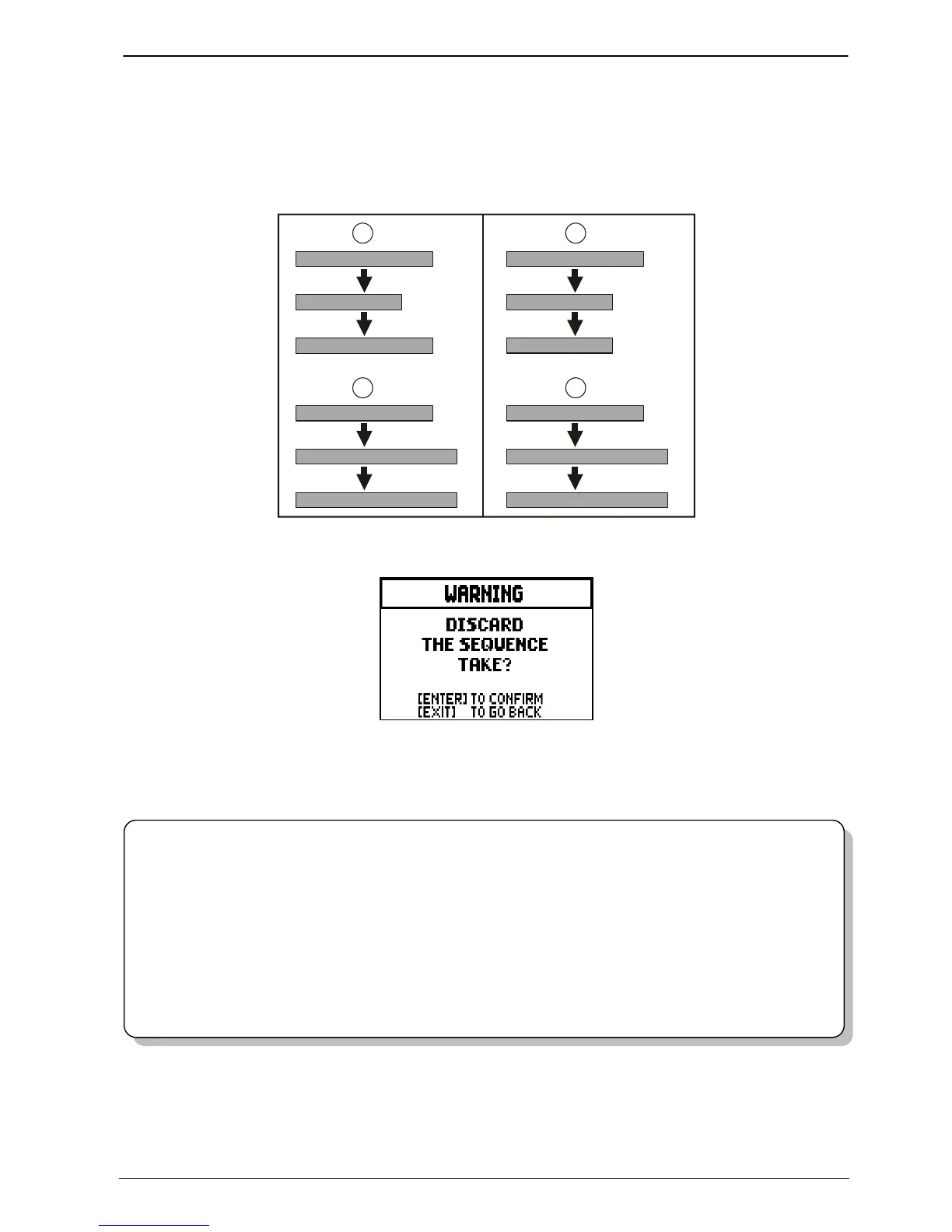
Press [EXIT] to quit the screen. The display will show:
Warning you that the overdubbing will be lost. Press [ENTER] to continue – and therefore discard the
recording – or [EXIT] to return to the previous screen.
N.B.
- The system displays the error message “USB PEN NOT PRESENT” when trying to save a
MIDI sequence without a USB drive connected to the instrument, or when the pen drive has
not been recognized. Should this happen, check that the pen drive is not damaged and has the
correct format.
- The error message “FILE LOAD FAILED” means that the file is damaged or bigger than
250 KB (maximum files size that you can overdub).
- In the case of "FILE SAVE FAILED" error, retry the operation. If the error occurs again,
check that there is enough space in the USB stick. If the error still occurs, the USB stick could
be dama













 To Next Page