69
Viscount Physis OrgansReference Manual
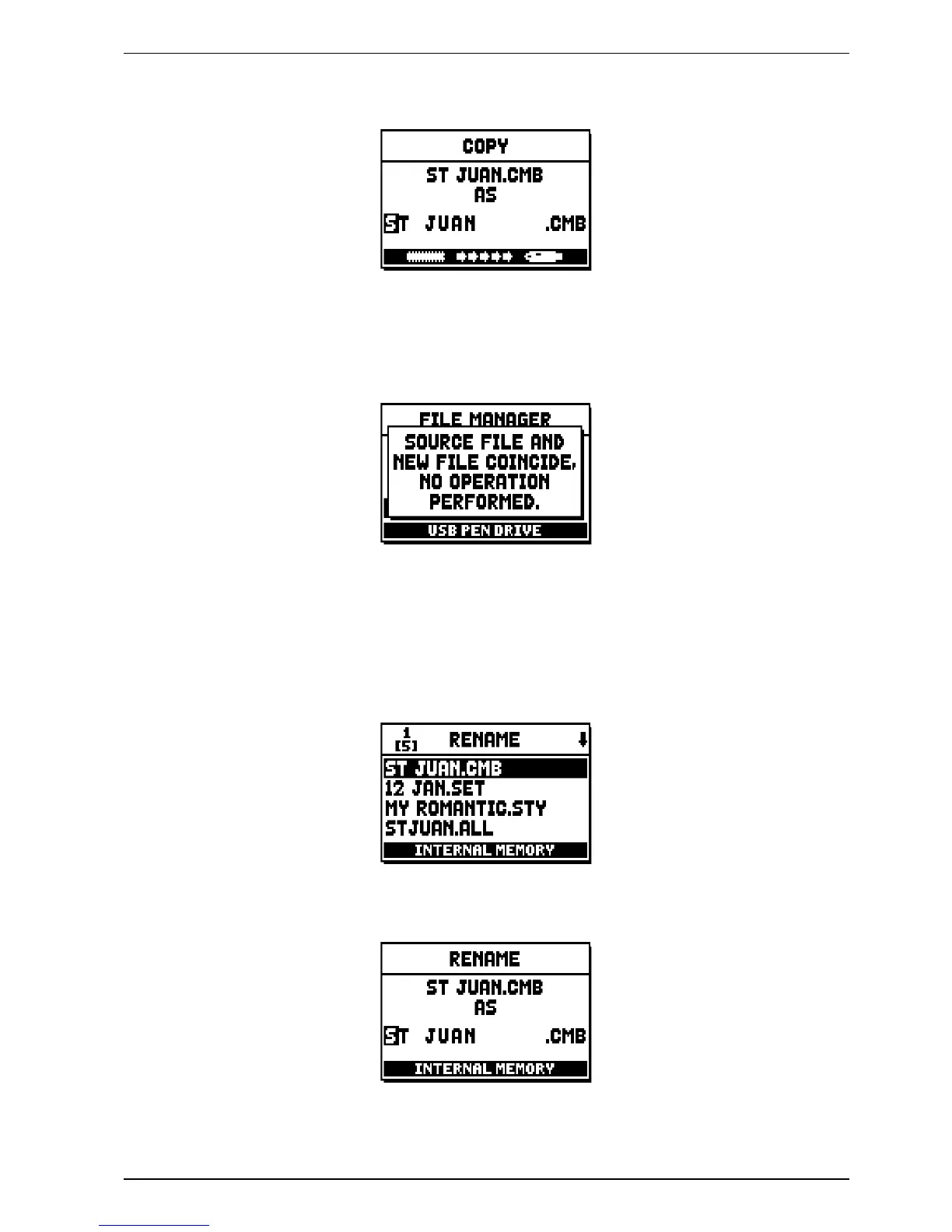
Select the same memory both as source and destination. (e.g FROM INTERNAL MEMORY TO INTERNAL
MEMORY). Now choose a new file name.
This time, you need to give it a new name, as it is impossible to store two files with identical name in the same
memory unit. Also, you cannot change extension.
Write the file name as described above. If a file of the same name is already present, the display will show this
error message:
11.5 RENAMING FILES (RENAME function)
To rename a file, select the RENAME field, under the FILE MANAGEMENT menu. The display will show
all the files in the current memory unit.
Select the file you wish to rename:
To modify a name, use [FIELD ] e [FIELD ] to select the character, and [VALUE +] and [VALUE -] to
change it.


 To Next Page