70
Viscount Physis Organs Reference Manual
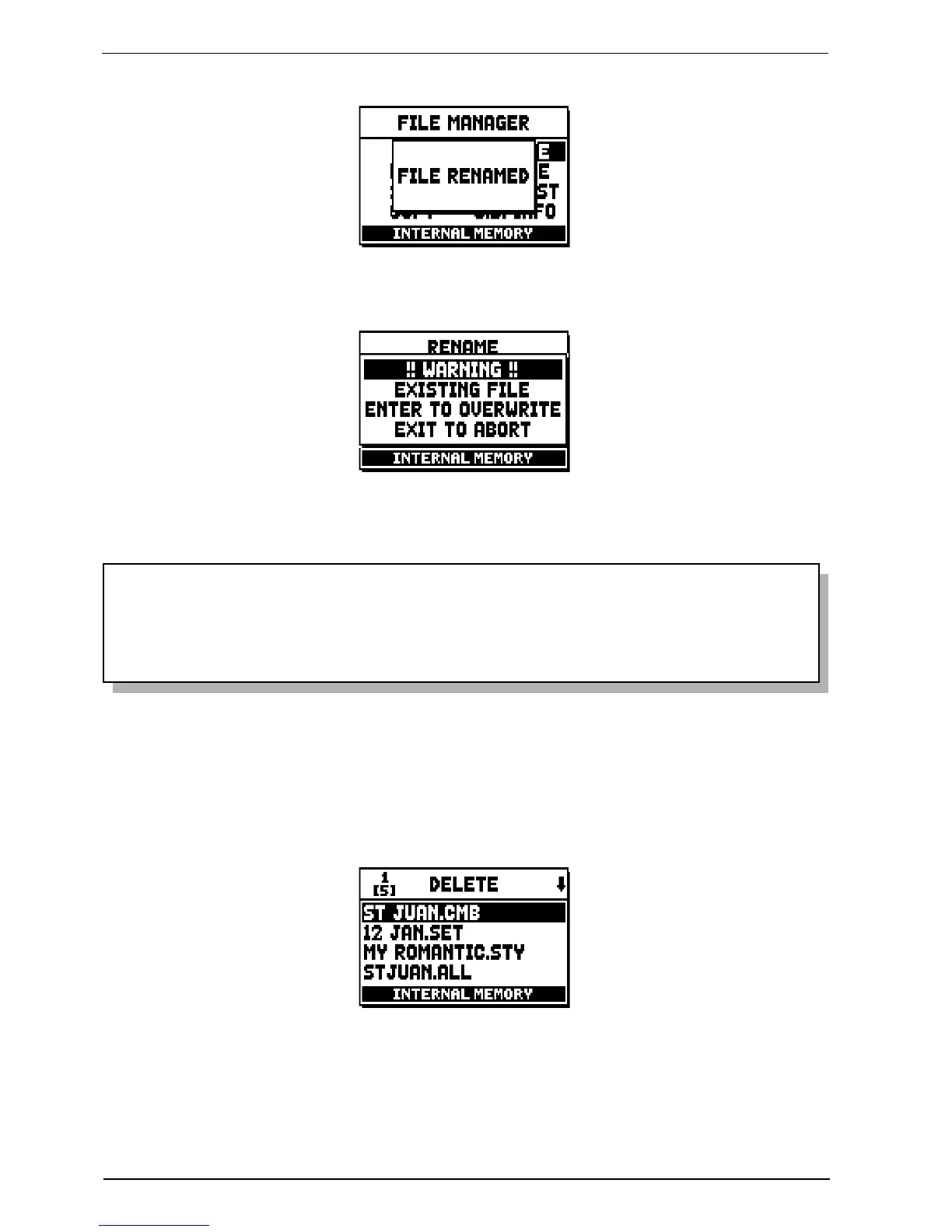
If there is already a file of the same name in your memory unit, the display will show:
Press [ENTER] to overwrite the old file or [EXIT] to quit and return to the file rename screen.
N.B.:
- The content of an overwritten file will be irreparably lost.
- The first three characters of a .mid file name must be digits, followed by “_”.
- The system does not allow two .mid files on the same memory to have names beginning with the
same three characters.
Then press [ENTER] to confirm.
11.6 DELETING FILES (DELETE function)
When you wish to eliminate one or more files from the current memory, recall the DELETE function from
the FILE MANAGEMENT menu.
Press [FIELD ] and [FIELD ] to scroll the file list and select the file you intend to delete, then press
[ENTER] (see next page).


 To Next Page