EN - 19
8.5 SAVED PARAMETERS
When the instrument is switched off (also in Stand-By) not all settings are saved. These settings will be lost and
then reset to their default values the next time the instrument is switched on. The following settings are saved:
- selected style
- style / metronome volume
- touch sense
- split point
- fine tuning
- energy saving mode status
- string resonance
-
Style Intro and Ending
enabled/disabled
-
Full Keyboard Chord
function status
-
Bass to Lowest
function status
8.6 FACTORY SETTINGS
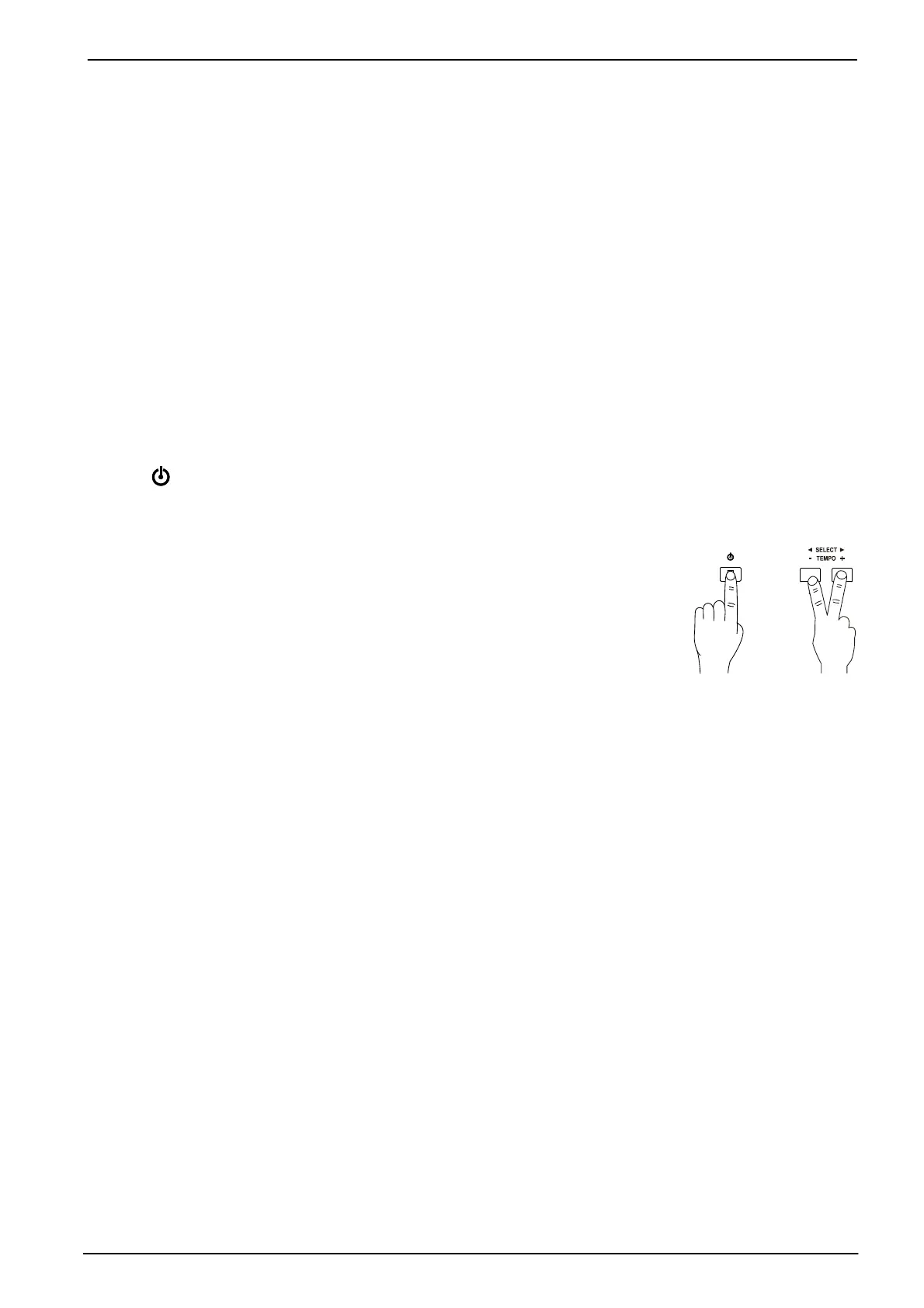
To reset the parameters listed in the previous paragraph to default values, press and hold for 2 seconds the
buttons [ ], [L] and [R]. To confirm the Factory Settings, the LEDs of all buttons except those of the selected
sounds are lighted on for a moment.
These are the factory settings:
- selected style: 8 Beat 1
- style / metronome volume: 7
- touch sense: Medium
- split point: F#3
- fine tuning: 440 Hz
- energy saving mode: on
- string resonance: Medium
-
Style Intro and Ending
function
:
on
-
Full Keyboard Chord
function: on
-
Bass to Lowest
function
:
on









 To Next Page