Visioneer
®
7900 Setup
8 User Guide
CONNECT THE POWER CORD
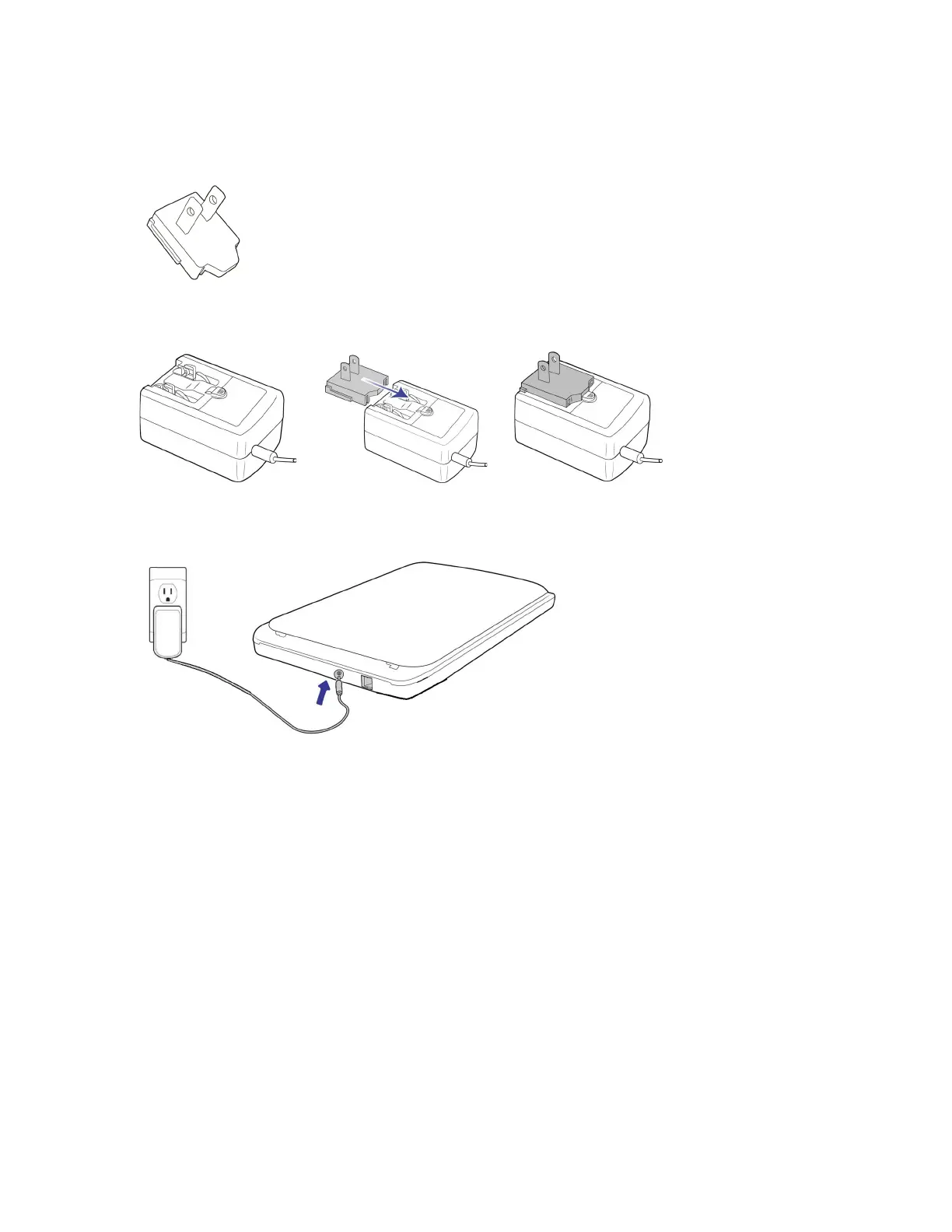
1. Select the power plug adapter that is appropriate for the wall outlet in your country.
1. Slide the power plug adapter into the power supply base.
2. Plug the power supply into the power port on the scanner.
3. Plug the power cord into the power supply and into a wall outlet..
Note: Only use the power supply included with your device. Connecting any other type of power supply
may damage your device and will void its warranty.
CONNECT THE USB CABLE
1. Plug the round end of the USB cable into USB port on the device.
North America












 To Next Page