Maintenance Visioneer
®
7900
User Guide
23
■ Click the green enter button to save any changes in the Sleep mode field.
■ Click the red reset button to reset to the default timeout value.
■ Power off — input the number of minutes you want the scanner to wait before it turns itself off.
■ Click the green enter button to save any changes in the power off field.
■ Click the red reset button to reset to the default timeout value.
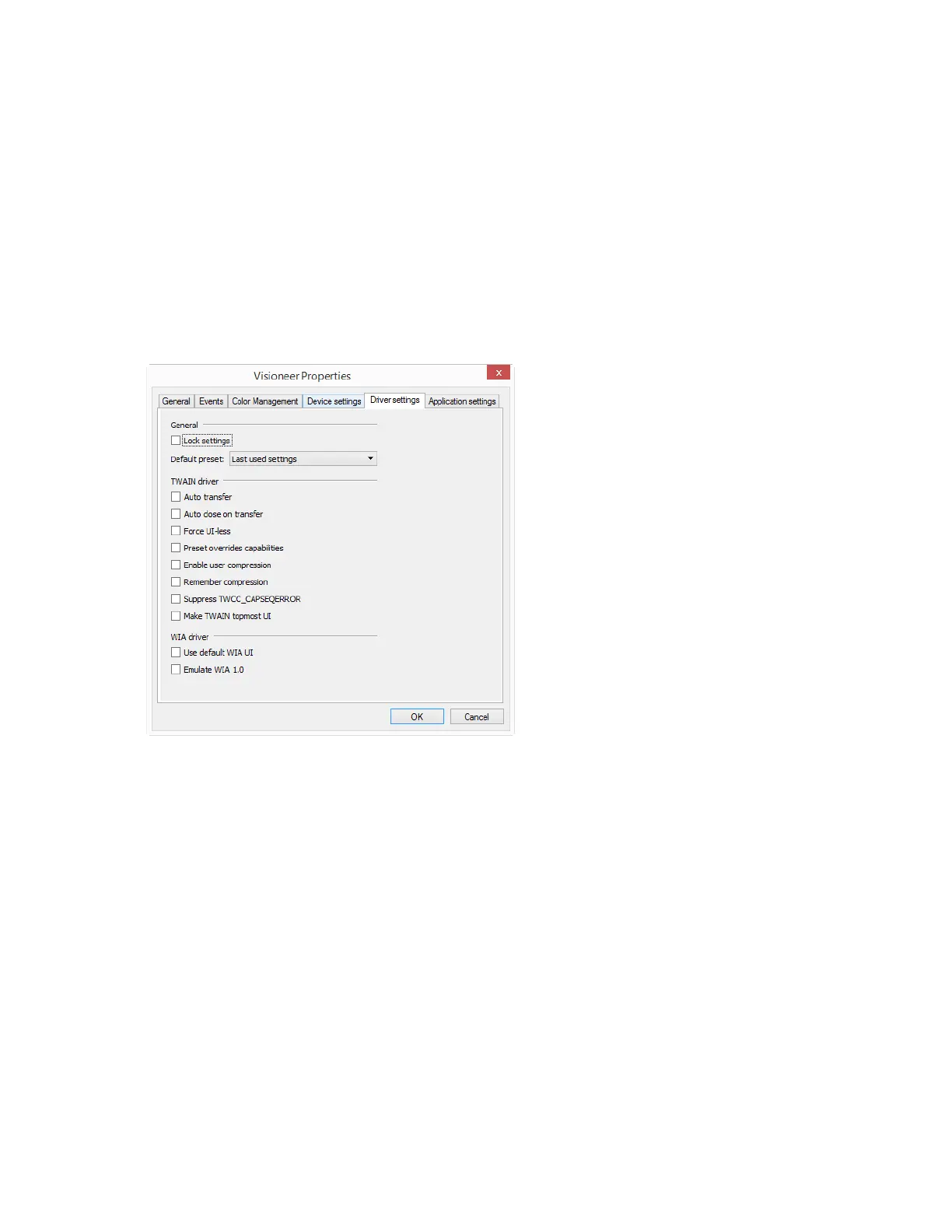
Driver Settings
The options in this panel are for configuring how the TWAIN interface will behave in some scenarios.
Please see the TWAIN scanning guide on www.visioneer.com for instructions.
CLEANING THE SCANNER
Regular maintenance of your scanner can help to ensure continual optimal performance.
Using a soft, lint-free cloth, wipe down all plastic surfaces on the scanner.
Cleaning the inside of the scanner helps to keep your scanner operating at optimum performance.












 To Next Page