Visioneer
®
7900 Maintenance
24 User Guide
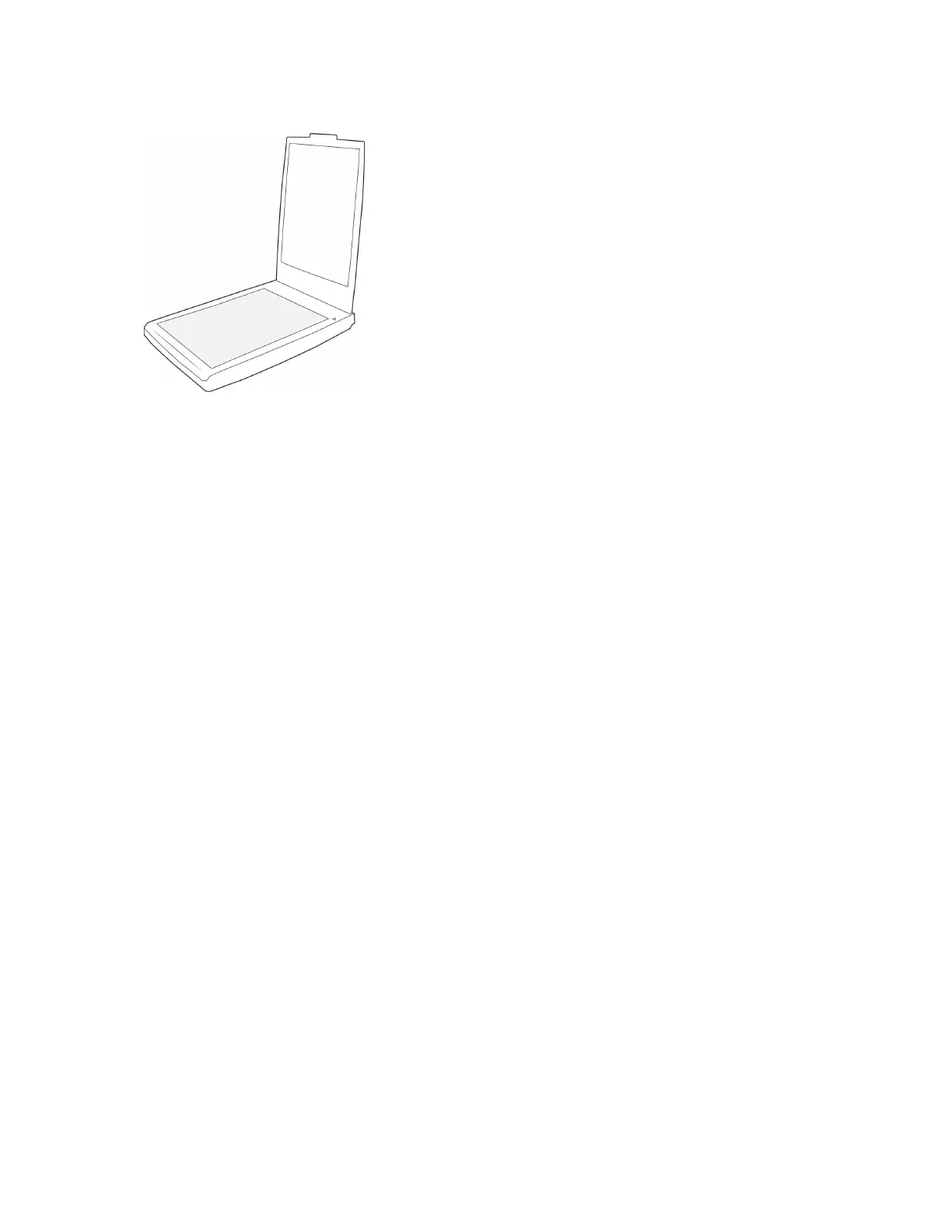
1. Open the scanner lid.
2. Wet a soft cloth with some Isopropyl rubbing alcohol (70%).
3. Wipe the flatbed.
4. Close the scanner lid. Your device is now ready to use
TROUBLESHOOTING
Problem: The scanner won’t scan. What’s wrong?
Check for one of these possible causes:
■ Are the cables loose or not plugged in securely? Inspect the cable connections. Make sure the
cables are plugged in securely.
■ Is the scanner’s status light on? Turn on the scanner’s power. If the status light doesn’t come on,
plug the power supply into another electrical outlet. If you are using a UPS battery back-up or power
strip, try plugging the scanner directly to a wall outlet.
■ Did you restart the computer and scanner? If the scanner gets a paper jam, or looses connection
because of an error, try restarting your computer and power cycling the scanner.
■ Did you plug the scanner into a USB hub? If you’re using a USB hub to connect the scanner try
plugging the scanner’s USB cable directly to the back of the computer. It is not recommended that you
use the scanner with a USB hub, if you are using a hub, the hub must have its own power supply.
■ Is the USB cable 6’ or less? If you are using a USB cable that is longer than 6’ you may lose
connection to the scanner. The recommended USB cable length is 6’ or less, the USB cable provided
with your scanner is within this range.
■ Did you select another image source in the scanning software? If you use multiple imaging
devices with your computer, such as a camera, all-in-one printer, or another scanner, you may have
selected another source for images. Make sure Visioneer
®
7900 is selected as the scanner.
Problem: Why does my scanner not function after performing a system restore on Windows?
The system restore process may have corrupted some of the driver components. It is recommended that
you reinstall your scanner driver. Please refer to Uninstalling Your Scanner for installation instructions.
Problem: Why won’t my scanner work after the computer has been sitting idle for several hours?












 To Next Page