Visioneer
®
7900 Loading Documents to Scan
18 User Guide
SCANNING FROM THE FLATBED
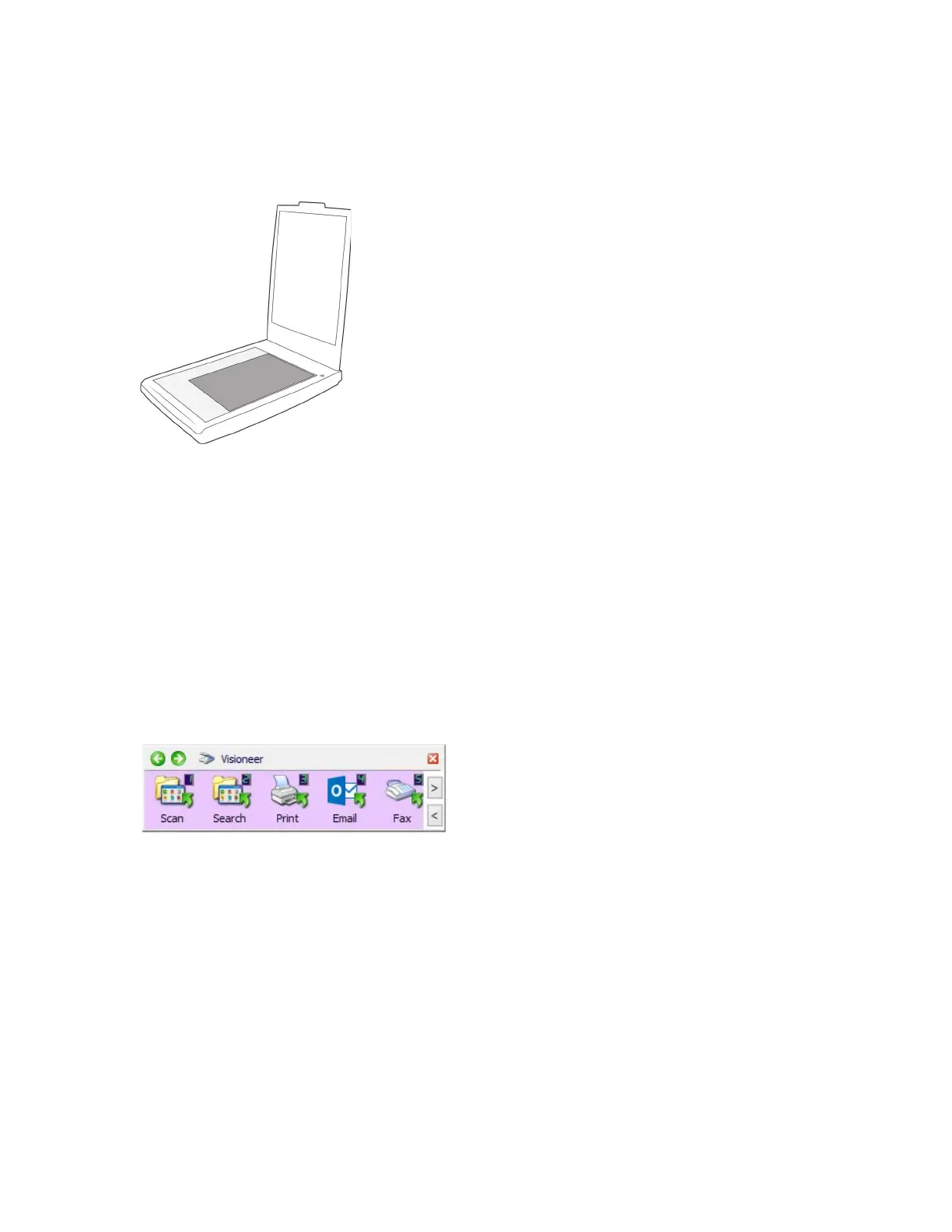
1. Place an document face down on the glass. Align the top edge of the document with the reference
marks on the scanner.
2. Close the scanner lid.
3. You can now scan the documents using the OneTouch, or one of the other scanning interfaces.
SCANNING INTERFACES
If you selected the recommended installation, then you have several different options to scan with your
Visioneer
®
7900. Each method scans equally well, so use the one with appropriate options for the item you
are scanning
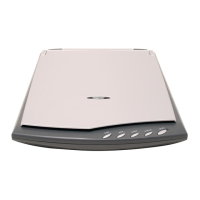
■ OneTouch Button Panel — Use this scan option when you want to scan from the computer screen.
Scanning from the on-screen OneTouch Button Panel is the same as selecting a scanning option on
the scanner, except you click an icon that represents the function.
OneTouch Button Panel












 To Next Page