Loading Documents to Scan Visioneer
®
7900
User Guide
19
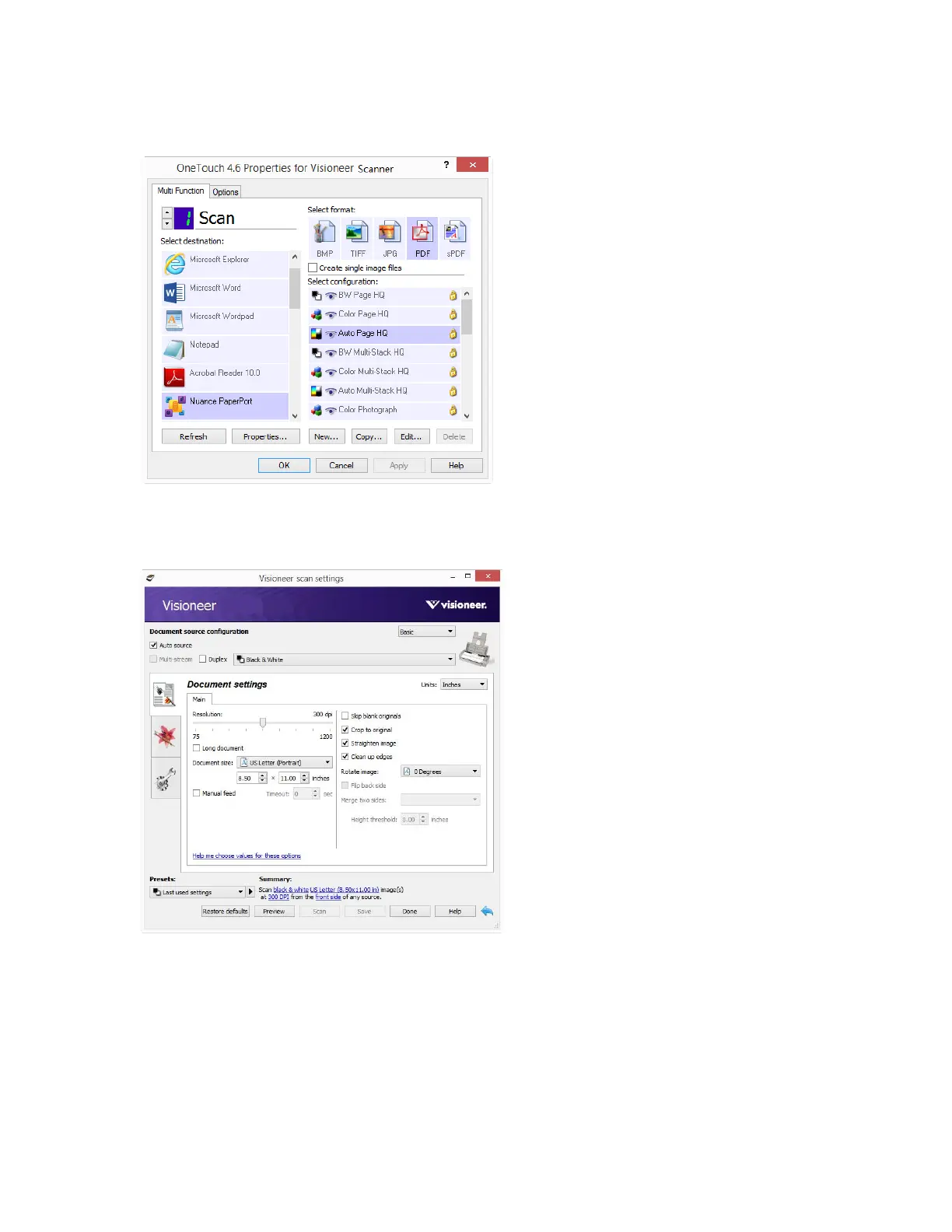
Please see the OneTouch Scanning Guide on www.visioneer.com for instructions. You can also click
the Help button in the OneTouch Properties window to open the instructions in an Internet browser.
■ TWAIN and WIA Interface — This option uses your scanner’s TWAIN interface to scan. Select
scanning options before scanning, put the document in the scanner, then click the Scan button in the
TWAIN interface window.
Please see the TWAIN Scanning Guide on www.visioneer.com for instructions. You can also click the
Help button in the TWAIN interface to open the instructions in an Internet browser.












 To Next Page