15
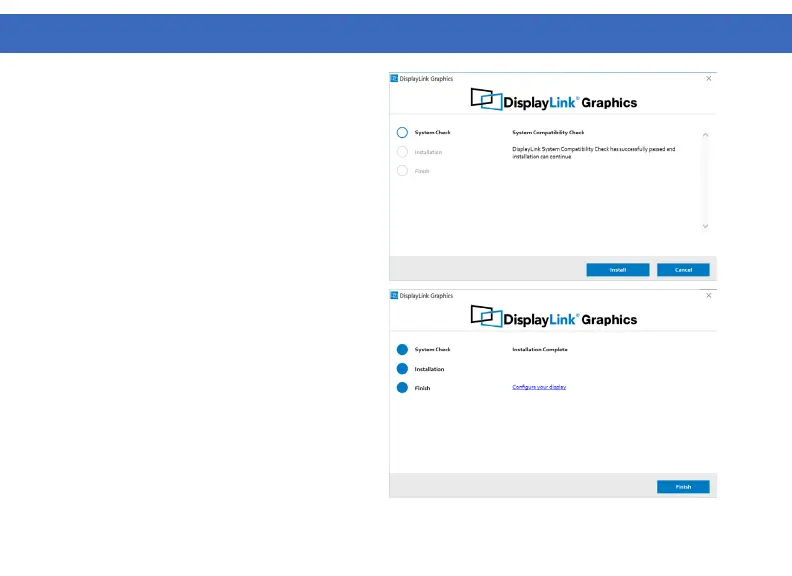
3. Once the installer begins a window will pop
up and verify that your system is compatible with
DisplayLink USB graphics.
4. Click “Install”
5. Once the “Finish” button appears the install
is complete and your system will may need to
reboot. If the option pops up click “Reboot” to
finalize the driver installation.
DRIVER INSTALLATION (Windows Continued)



 To Next Page