21
DRIVER INSTALLATION (macOS)
macOS Users - Downloading Drivers
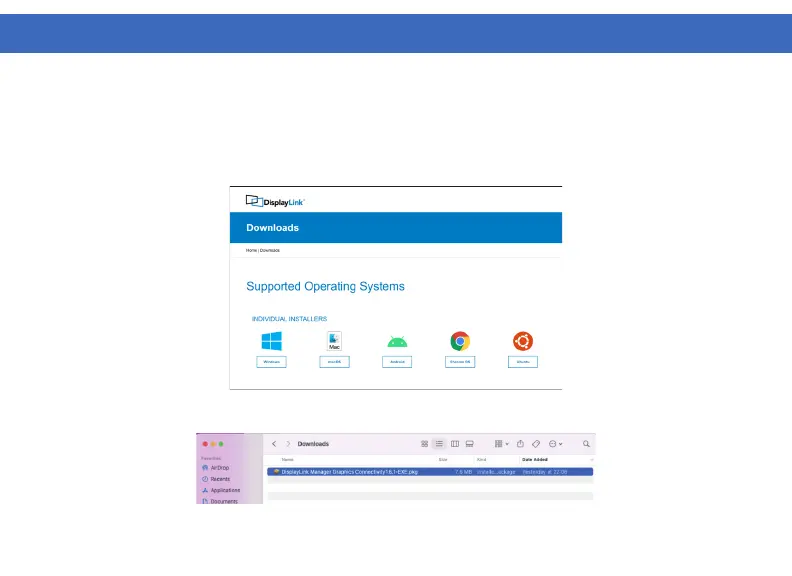
1. Download and install the latest Displaylink software. Select the driver according to your operating system.
Please visit displaylink.com/downloads and download the latest drivers. Displaylink-provided drivers are
always compatible with the USB Docking Station.
2. Select the downloaded file, double click to begin the DisplayLink software installer.



 To Next Page