32
FAQ
Q1. Why doesn’t my third monitor display when I
set the triple display mode?
A1. Step 1: Verify that your laptop supports DP alt
mode over USB-C.
Step 2: Selecting the main display.
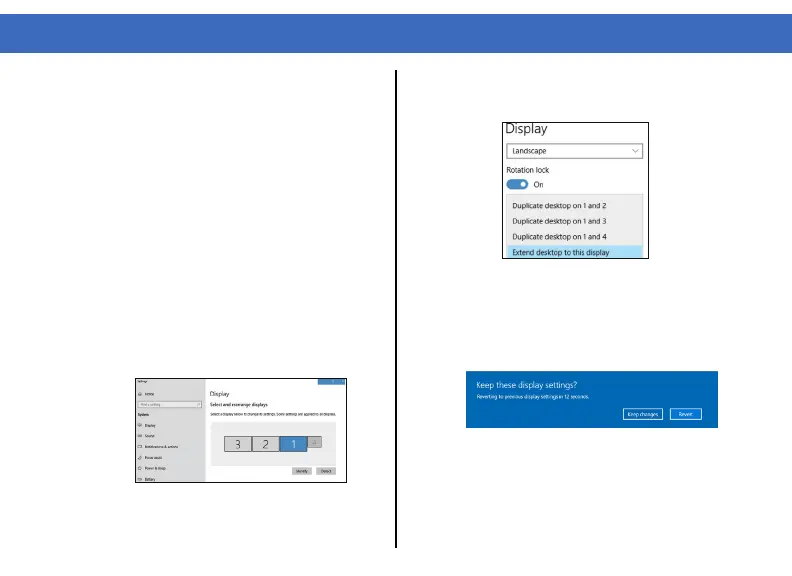
1. Right-click on your desktop and select
“Display Settings”.
2. Click “Identify” to determine which display is
not extended
3. Choose the display that needs to be
extended from the display layout and scroll
down to “Multiple displays”.
4. Select “Extend desktop to this display”.
5. The third display should now be extended,
a popup window will prompt to keep changes.



 To Next Page